7
Tips:
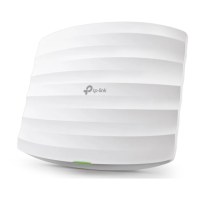
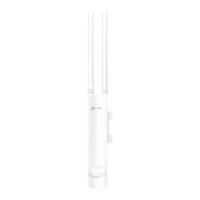
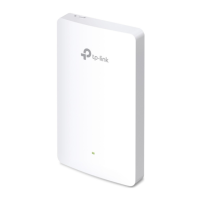
• If you want to power your EAPs using a PoE switch, refer to the following topology.
ternet
Clients
Router (DHCP Server)
WANLAN
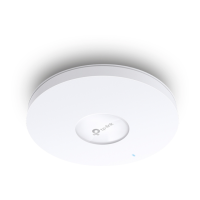
EAP
EAP
PoE Switch
• The router is the gateway of the network, and devices in the LAN surf the internet via the router.
At the same time, the router acts as a DHCP server to assign dynamic IP addresses to the EAPs
and clients.
• The dual-band EAP has two default SSIDs named TP-Link_2.4GHz_XXXXXX on the 2.4GHz band
and TP-Link_5GHz_XXXXXX on the 5GHz band, and the single-band EAP has a default SSID
named TP-Link_2.4GHz_XXXXXX on the 2.4GHz band.



 To Next Page
