113
Tips:
Generally, the web browser pops up automatically. But if the web browser does not pop up, we
can manually launch the web browser and visit any http website. Then the authentication page
will appear.
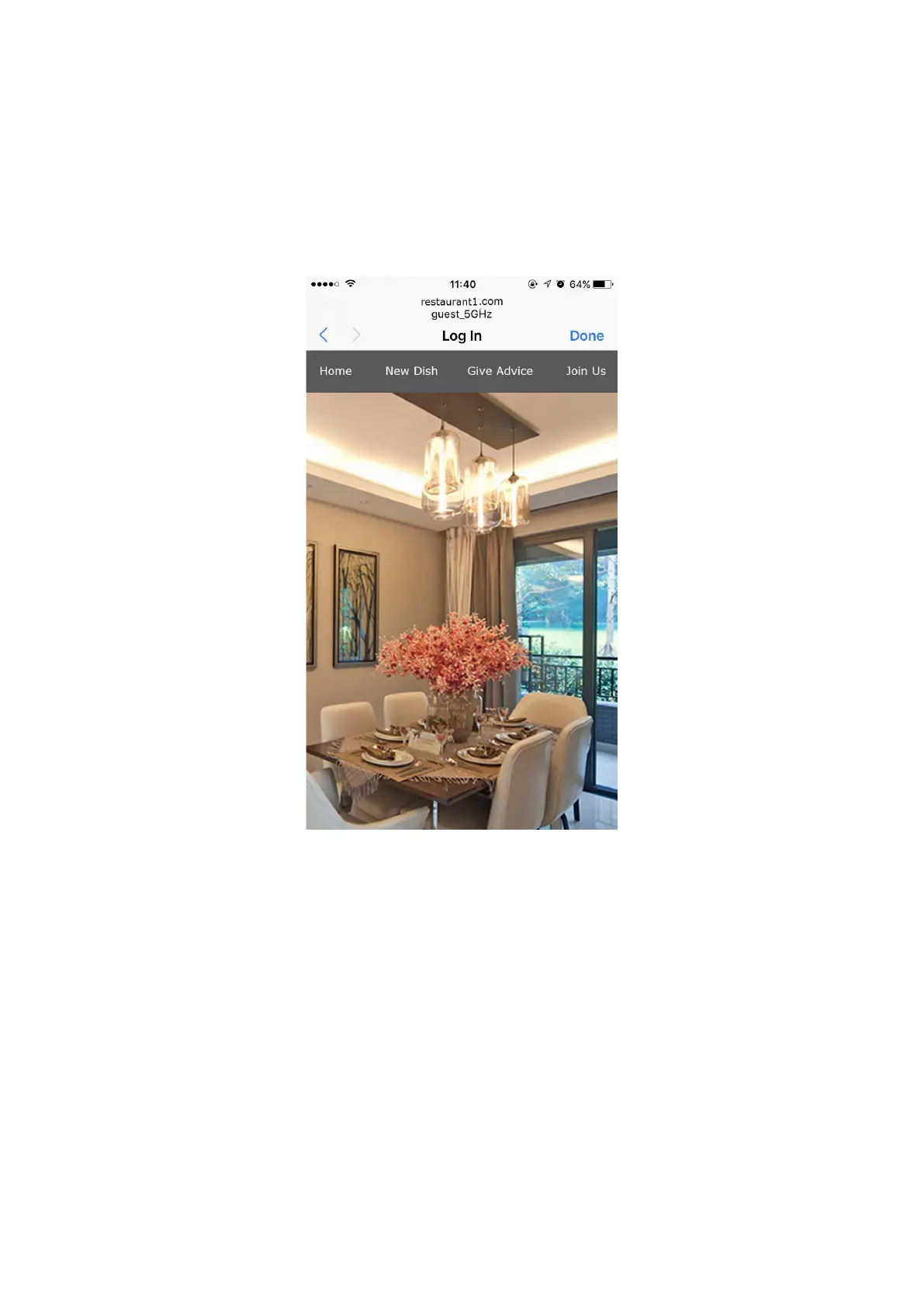
4 ) If the network is working normally, we will be redirected to the website of the
restaurant: http://www.restaurant1.com.





 To Next Page