TD-8816 ADSL2+ Modem Router User Guide
24
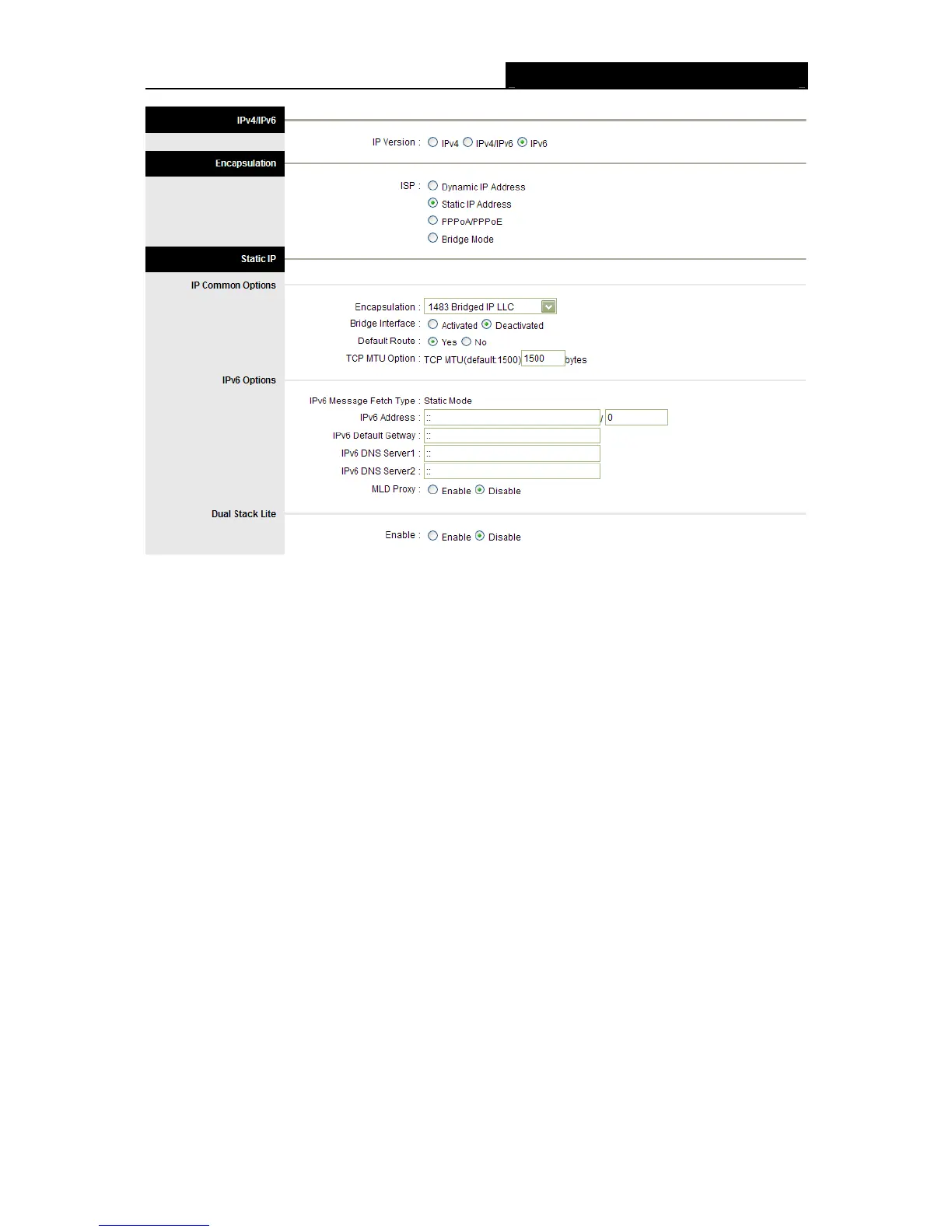
Figure 4-12
Note:
Each IP address entered in the fields must be in the appropriate IPv6 form, which is eight IP
octets separated by a colon (x:x:x:x:x:x:x:x). The modem router will not accept the IP address if it
is not in this format.
3. PPPoA/PPPoE
Select this option if your ISP requires you to use a PPPoE connection. This option is typically
used for DSL services. Select Dynamic PPPoE to obtain an IP address automatically for your
PPPoE connection. Select Static PPPoE to use a static IP address for your PPPoE connection.
Please enter the information accordingly.



 To Next Page