5
Chapter 1
Get to Know Your 4G LTE Router
Item Description
POWER Port For connecting the router to power socket via the provided power adapter.
LAN1, LAN2, LAN3,
LAN4/WAN
For connecting to your PCs or other Ethernet network devices.
In wireless router mode, the LAN4/WAN port is used for connecting to a Cable/FTTH/
VDSL/ADSL device.
WPS/RESET
Press and hold this button until the Power LED starts flashing to reset the router to its
factory default settings.
To enable the WPS function, press this button about 2 seconds. If you have a WPS-
supported device, you can press this button to quickly establish connection between the
router and the client device.
Wi-Fi ON/OFF For turning on/off the Wi-Fi function.
Micro SIM Card Slot For holding the micro SIM card.
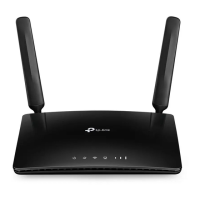
Antennas Used for data sessions over LTE. Upright them for the best mobile internet signal.




 To Next Page