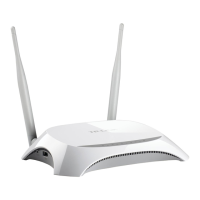
TL-MR3020 Portable 3G/4G Wireless N Router
3. When Connected appears, you’ve successfully connected to the wireless network.
3.2.3 Router Configuration
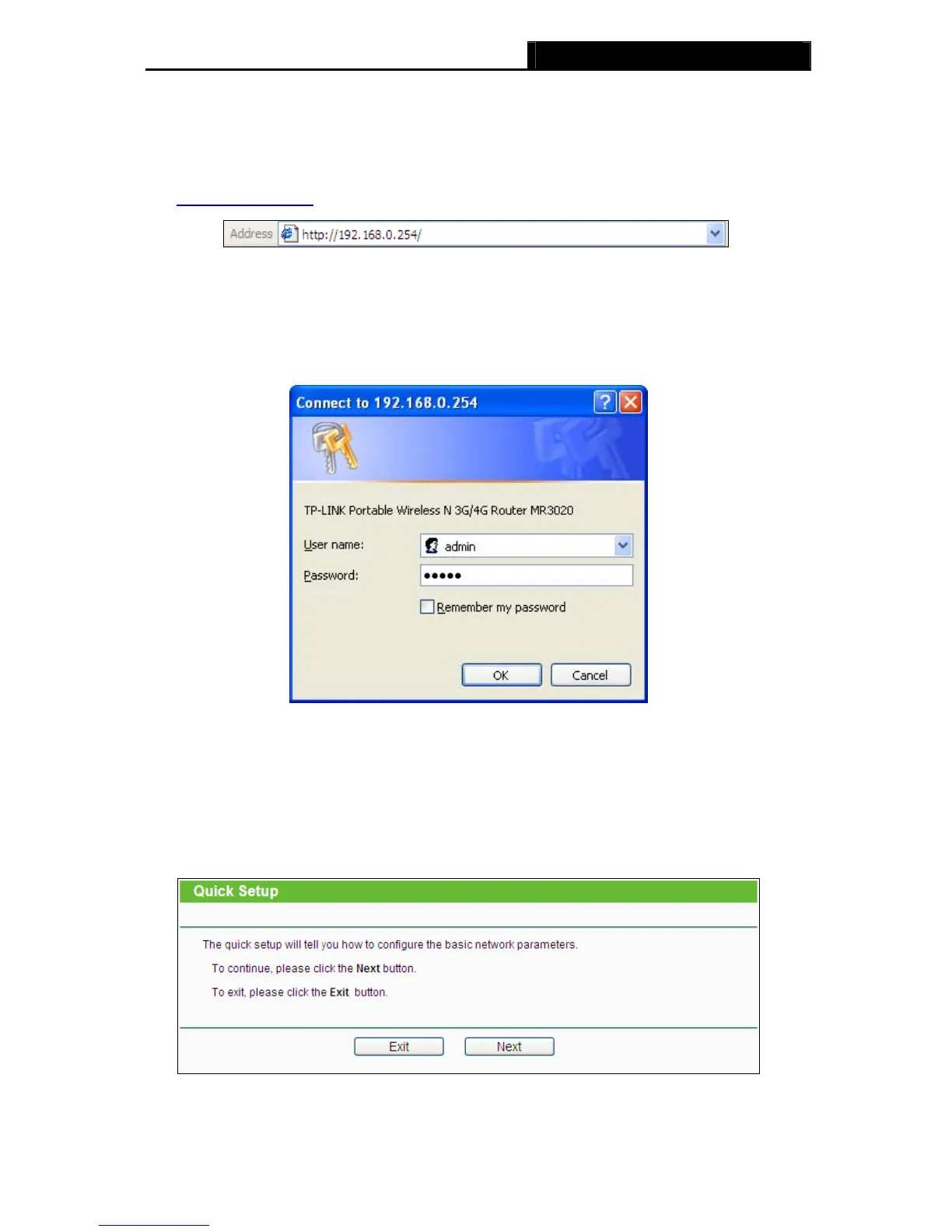
1. To access the configuration utility, open a web-browser and type the default address
http://192.168.0.254
in the address field of the browser.
Figure 3-9 Login the Router
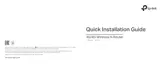
2. After a moment, a login window will appear, similar to the Figure 3-10. Enter admin for
the
User Name and Password, both in lower case letters. Then click the OK button or press the
Enter key.
Figure 3-10 Login Windows
Note:
If the above screen does not pop-up, it means that your Web-browser has been set to a proxy.
Go to Tools menu>Internet Options>Connections>LAN Settings, in the screen that appears,
cancel the Using Proxy checkbox, and click OK to finish it.
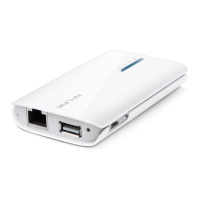
3. Go to Quick Setup and click Next.
Figure 3-11 Quick Setup
-15-















 To Next Page