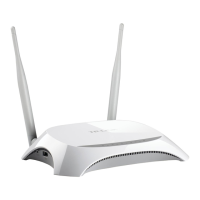
TL-MR3020 Portable 3G/4G Wireless N Router
Key Type - You can select the WEP key length (64-bit, or 128-bit, or 152-bit.) for
encryption. “Disabled" means this WEP key entry is invalid.
For 64-bit encryption - You can enter 10 hexadecimal digits (any combination of
0-9, a-f, A-F, and null key is not permitted) or 5 ASCII characters.
For 128-bit encryption - You can enter 26 hexadecimal digits (any combination of
0-9, a-f, A-F, and null key is not permitted) or 13 ASCII characters.
For 152-bit encryption - You can enter 32 hexadecimal digits (any combination of
0-9, a-f, A-F, and null key is not permitted) or 16 ASCII characters.
WPA/WPA2-Personal
Version - You can select one of following versions:
o Automatic - Select WPA-Personal or WPA2-Personal automatically based
on the wireless station's capability and request.
o WPA-Personal - Pre-shared key of WPA.
o WPA2-Personal - Pre-shared key of WPA2.
Encryption - You can select either Automatic, or TKIP or AES.
Password - You can enter ASCII or Hexadecimal characters. For Hexadecimal,
the length should be between 8 and 64 characters; for ASCII, the length should
be between 8 and 63 characters.
Group Key Update Period - Specify the group key update interval in seconds.
The value can be either 0 or at least 30. Enter 0 to disable the update.
Not Change - If you chose this option, wireless security configuration will not
change!
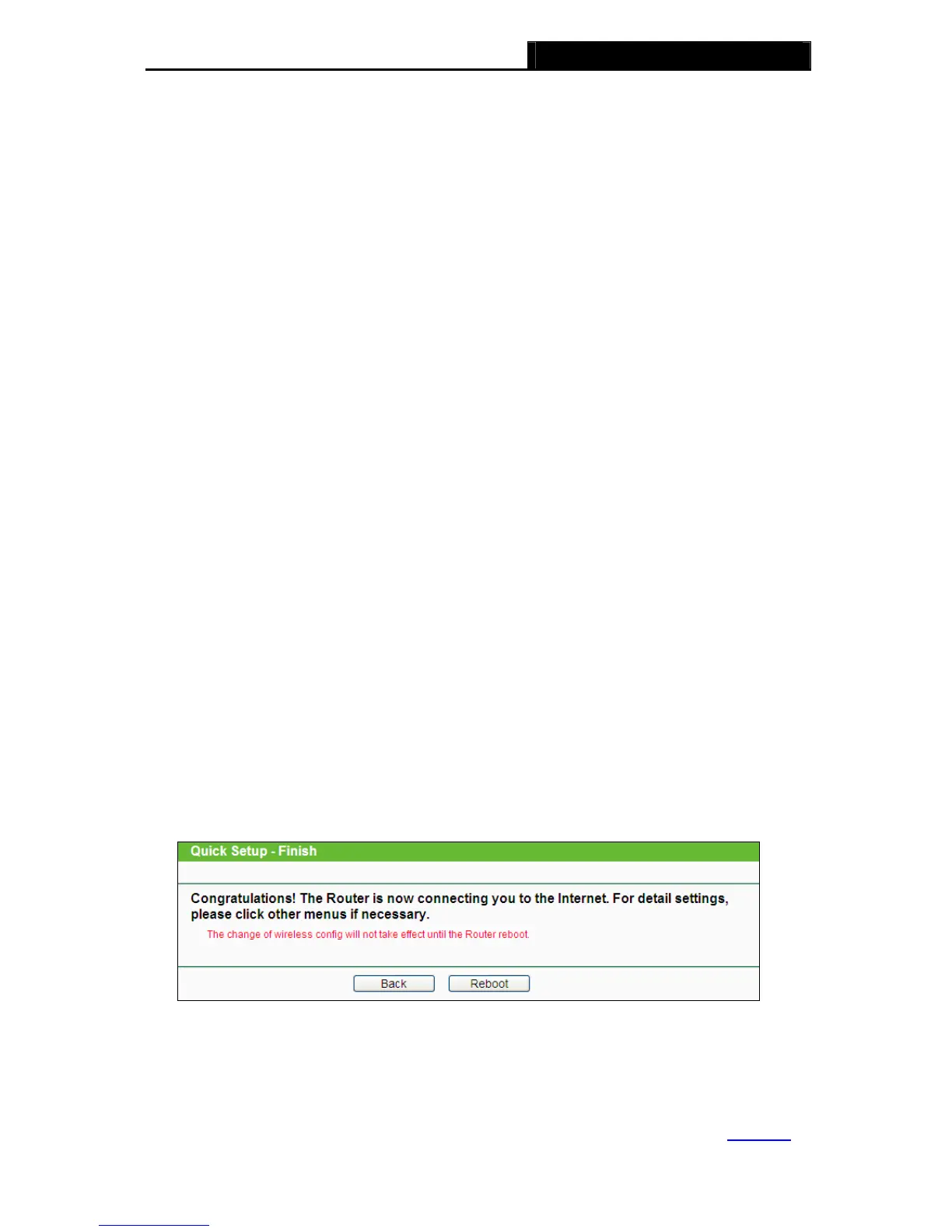
5. Click Next and you will see the page as shown in Figure 3-27. Click Reboot to reboot the
router and make the settings take effect.
Figure 3-27 Quick Setup – Finish
Note:
After the rebooting, please change the PC’s TCP/IP settings to “Obtain an IP address
automatically” and “Obtain DNS server address automatically” according to 3.3.1 PC
-25-















 To Next Page