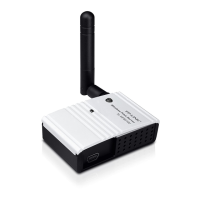
TL-PS110U Single USB2.0 Port Fast Ethernet Print Server
40
4.2.1 System
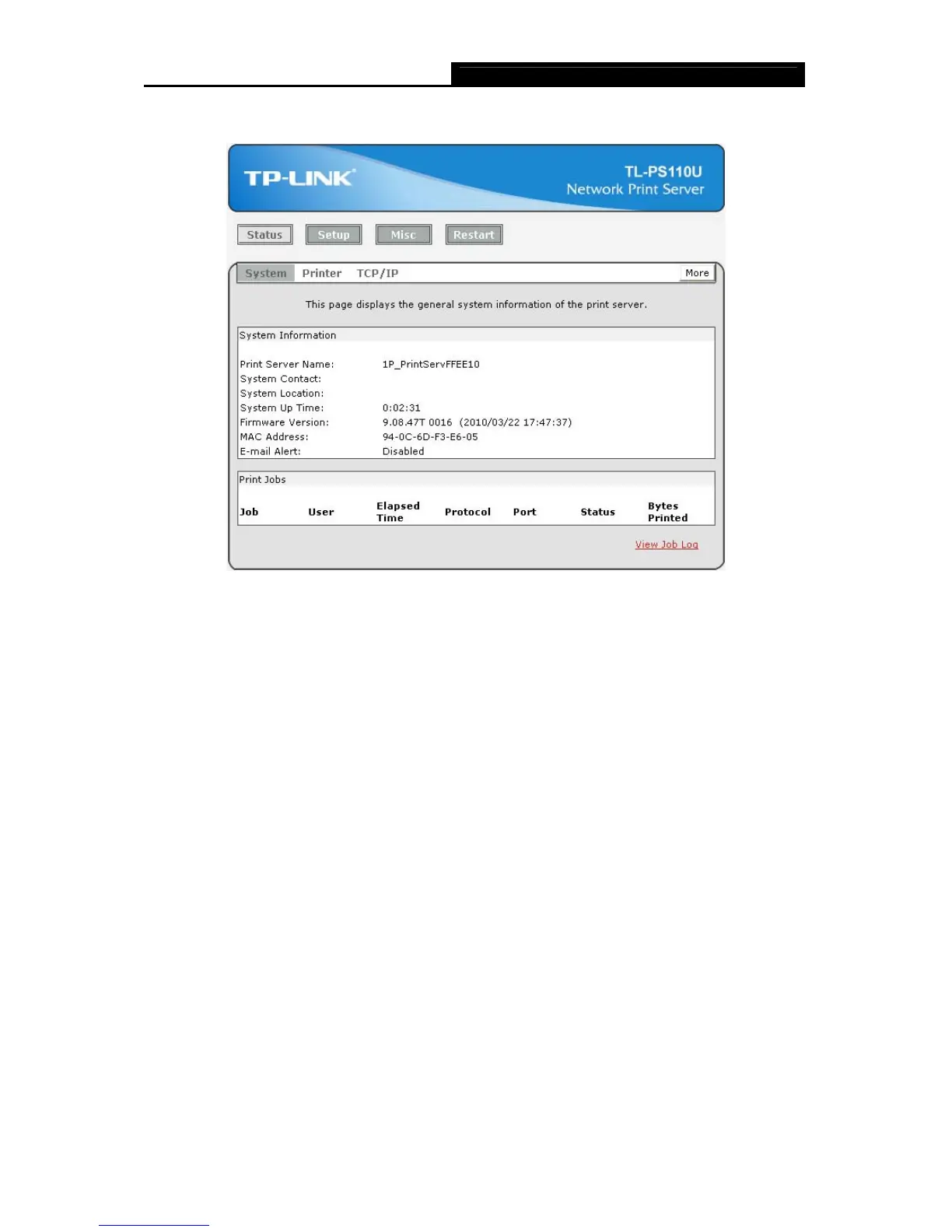
Figure 4-4
¾ Print Server Name: This option allows you to view device name of the print server. To correct
the print server’s device name.
¾ System Contact: This option allows you to view contact name of the print server.
¾ System Location: This option allows you to view Location name of the print server and to
confirm the print server’s location name where the print server is located in the office’s LAN.
¾ System Up Time: This option allows you to view uptime of the print server. When you start
the print server, it will compute the print server from start time to power off time.
¾ Firmware Version: This option allows you to view firmware version of the print server. To
verify the print server’s firmware version is newer in this time.
¾ MAC Address: This option allows you to view Node ID of the print server. The Node ID is
unique from any print server.
¾ Email Alert: This option allows you to view the status of Email Alert feature.
¾ Print Jobs: This option allows you to view all the print jobs sent by any network user.


 To Next Page