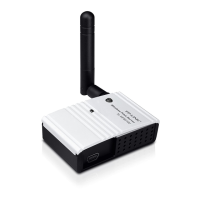
TL-PS110U Single USB2.0 Port Fast Ethernet Print Server
41
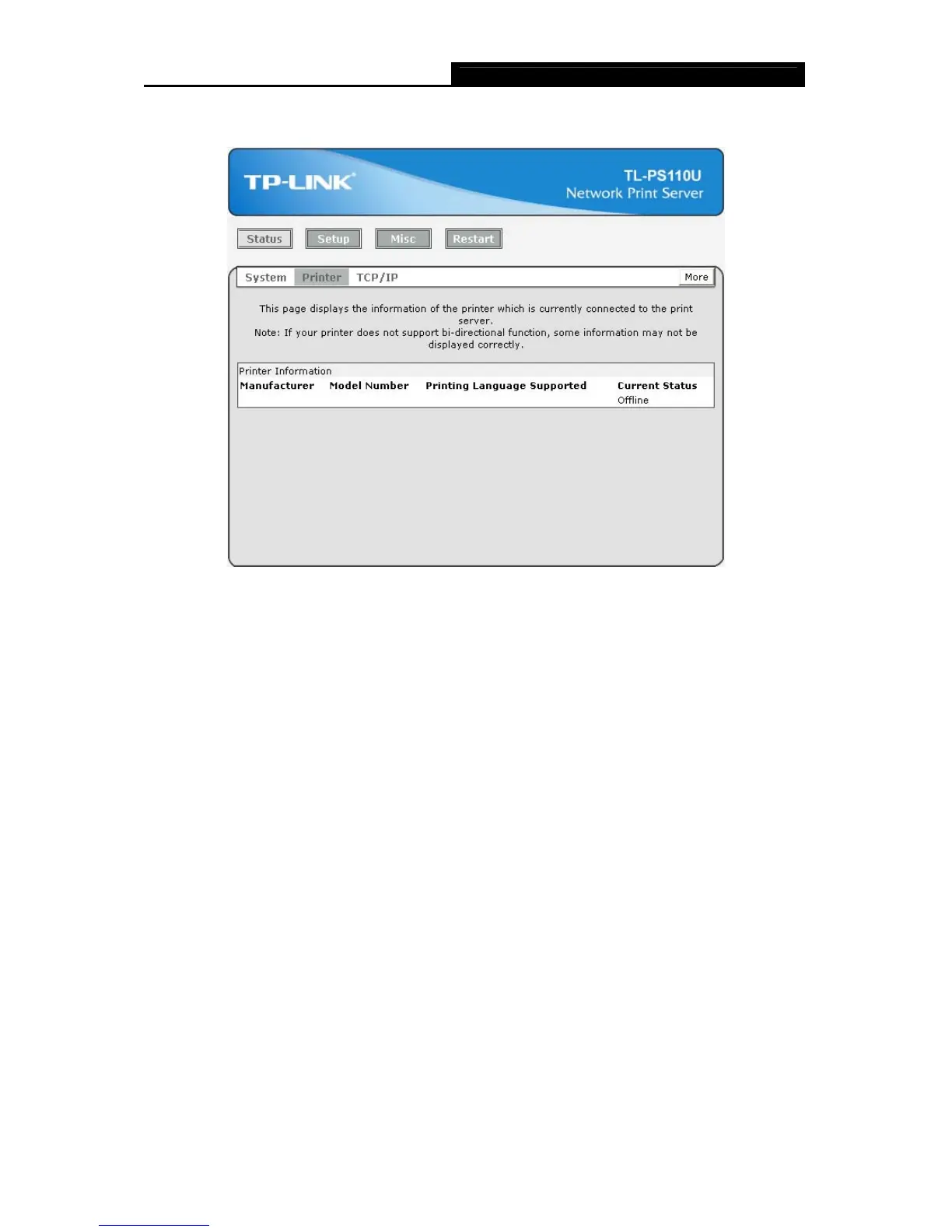
4.2.2 Printer
Figure 4-5
¾ Manufacturer: This option allows you to view manufacturer of the printer. When the printer
connected with the print server, it will be show in the manufacture box.
¾ Model Number: This option allows you to view model of the printer. When the printer
connected with the print server, it will be show in the model box.
¾ Printing Language Supported: This option allows you to view command to set the printer.
When the printer connected with the print server, it will be show in the command box.
¾ Current Status: This option allows you to view status of the printer. When the printer
connected with the print server, it will be show in the status box. For Example: Waiting for job.
It is means the printer already to printing.


 To Next Page