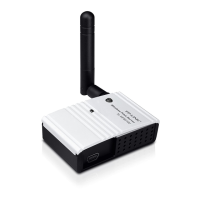
TL-PS110U Single USB2.0 Port Fast Ethernet Print Server
3
Chapter 3. How to Configure the Print Server
3.1 Using PSWizard in Windows XP/ Windows Vista/ Windows 7
To connect to the print server using PSWizard, the configuration for Windows XP, Windows Vista
and Windows 7 are similar. Here take Windows XP for example.
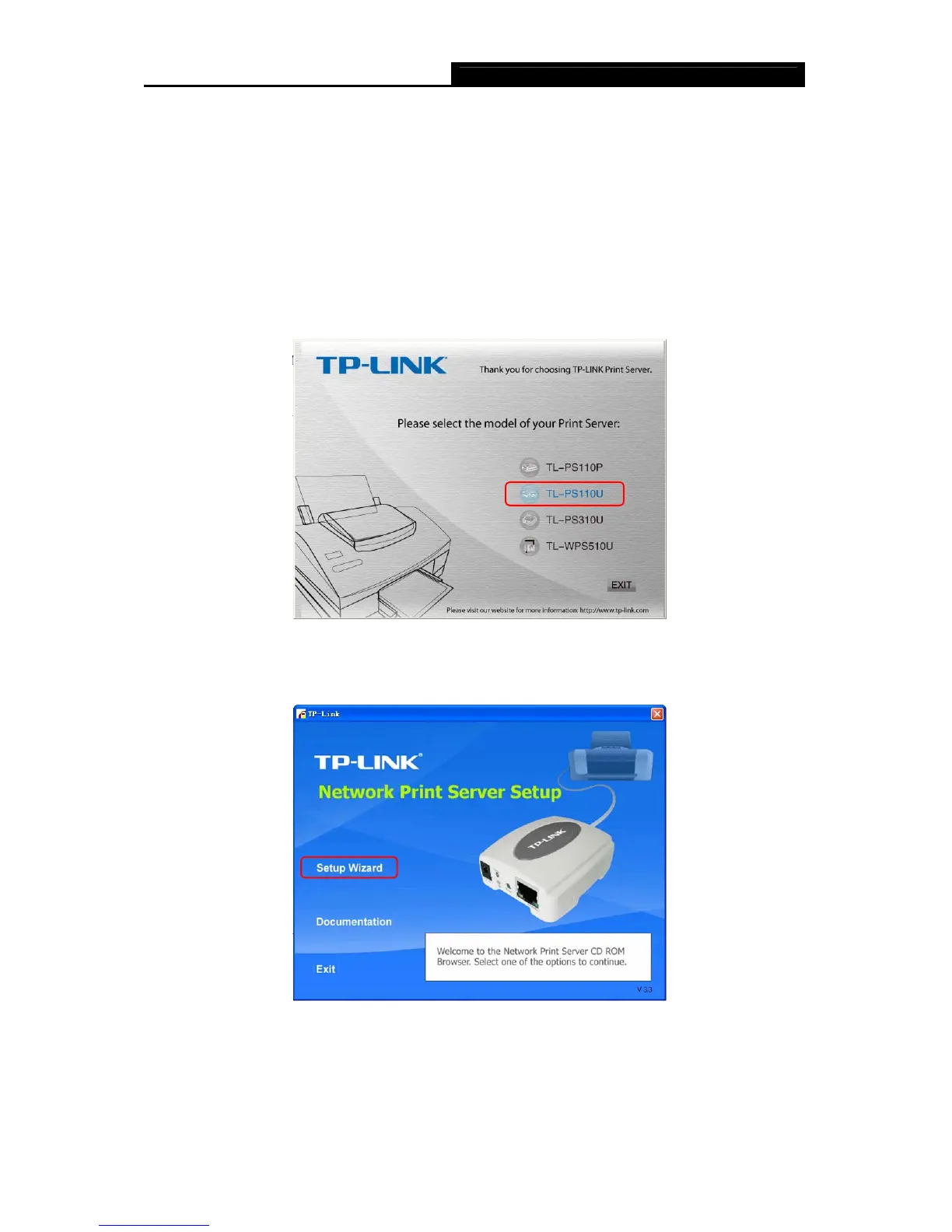
1. Insert the setup CD into your CD-drive. The autorun program will be started as shown in
Figure 3-1. Select the model (TL-PS110U) of yo
ur print sever.
Figure 3-1
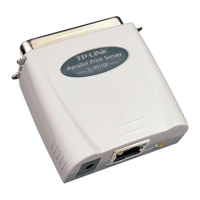
2. Choose Setup Wizard.
Figure 3-2
)Note:
For setup wizard under Windows Vista, you have to choose the Run as administrator by
right-click the icon on desktop.


 To Next Page