8
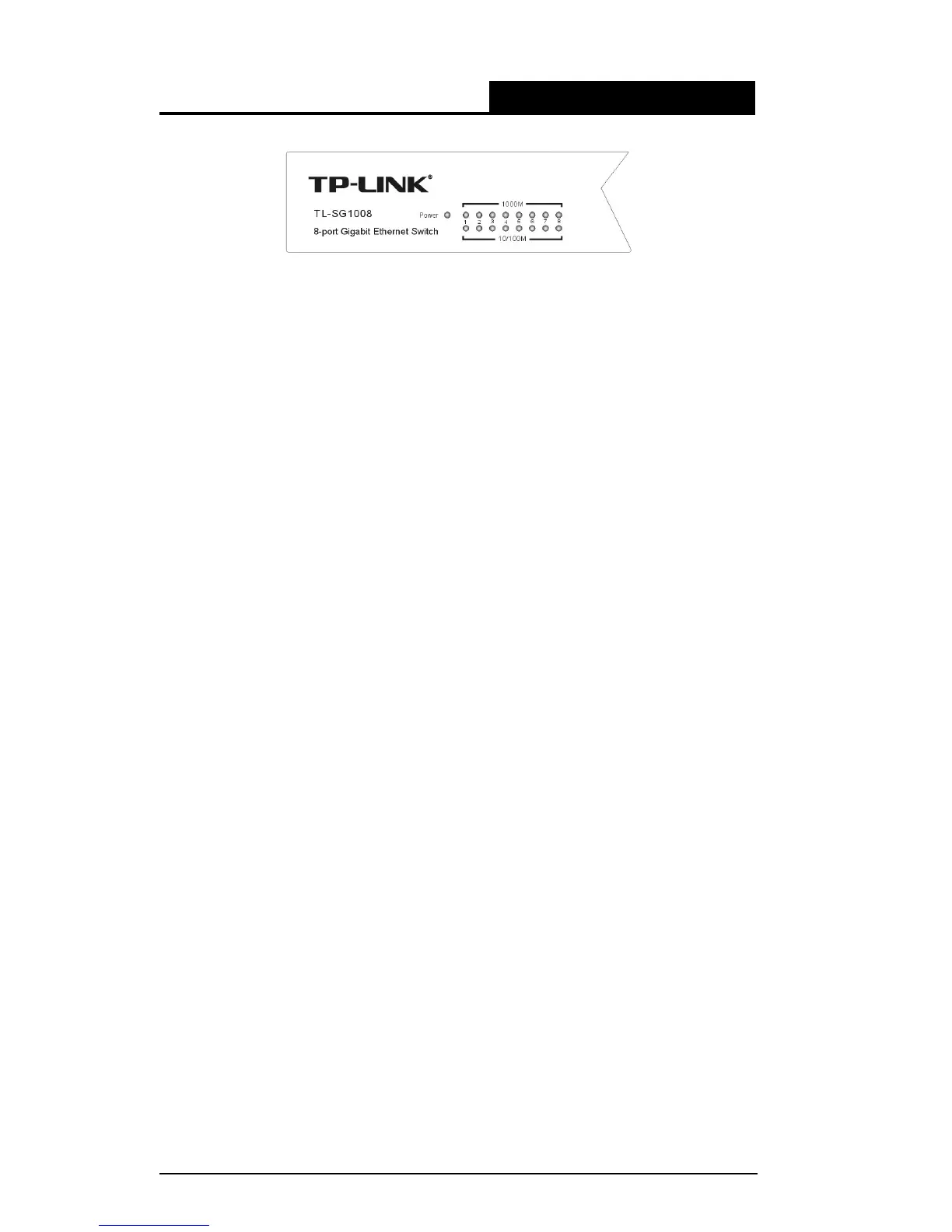
Figure 3-3 TL-SG1008 Switch LEDs sketch
Power LED: This indicator will light solid red when the Switch powers up. If the
LED is not lit, please check the power supply and connection.
1000Mbps Link/Act LED: This indicator will light solid green when the
corresponding port is connected to a 1000Mbps device and will flash green
when data is being transmitted or received on the working connection.
10/100Mbps Link/Act LED: This indicator will light solid green when the
corresponding port is connected to a 10/100Mbps device and will flash green
when data is being transmitted or received on the working connection.






 To Next Page