7
Chapter 3 Identifying External Components
This Chapter describes the front panel, rear panel and LED indicators of the
Switch. TL-SG1008, TL-SG1016, TL-SG1024 and TL-SG1048 are different in
the number of LED indicators and RJ45 ports.
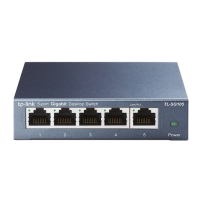
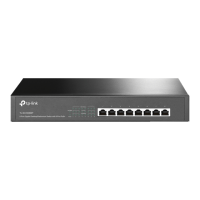
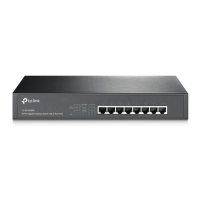
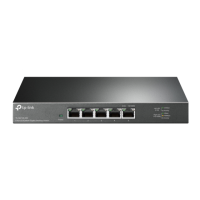
Figure 3-1 TL-SG1008 Switch Front Panel sketch
3.1 Rear Panel
The rear panel of the TL-SG1008 only features a power receptacle, which is
an AC power receptacle. Connect the female of the power cord head here,
and the male head to the AC power outlet.
Figure 3-2 TL-SG1008 Switch Rear Panel sketch
3.2 LED Indicators
The LED indicators include Power, 1000Mbps Link/Act and 10/100Mbps
Link/Act LED indicators, which are used for monitoring and pre-
troubleshooting of the Switch. The following section shows the LED indicators
for the switch along with an explanation of each indicator.






 To Next Page
