10
Web Smart Gigabit Switch Family User's Guide
TL-SG2109WEB/TL-SL2210WEB/TL-SL2218WEB/TL-SL2428WEB/TL-SL2452WEB
10 12 14 162 4 6 8
9 11 13 151 3 5 7 17 19 21 23
GIGA 1
GIGA 218 20 22 24
SF P 1 SF P 2
RESE T
24+4G Gigabit Web-Smart Switch
Po wer
1000Mbps
2 4
6 8 10
12 14
16 18 20
22 24
1 3 5 7 9 11 13 15 17 19 21 23
Li nk /A ct
Link/Act Link/Act
System
Link
Act
100Mbps
TL-SL2428WEB
GIGA1 GIGA2
R
RESET
Pow er
Syst em
48+4G Gigabit Web-Smart Switch
TL-SL2452WEB
SFP 1
SFP 2
29 30 31 32 33 34 35 36 37 38 39 40 41 42 43 44 45 46 47 482 4 6 8 10 12 14 16 18 20 22 24 25 26 27 281 3 5 7 9 11 13 15 17 19 21 23 GIGA1 GIGA2
2 4 6 8 10 12 14 16 18 20 22 24 26 28 30 32 34 36 38 40 42 44 46 48
GIGA2
27 29 31 33 35 37 39 41 43 45 47251 3 5 7 9 11 13 15 17 19 21 23
GIGA1
SFP 1 S FP 2
Link/Act
R
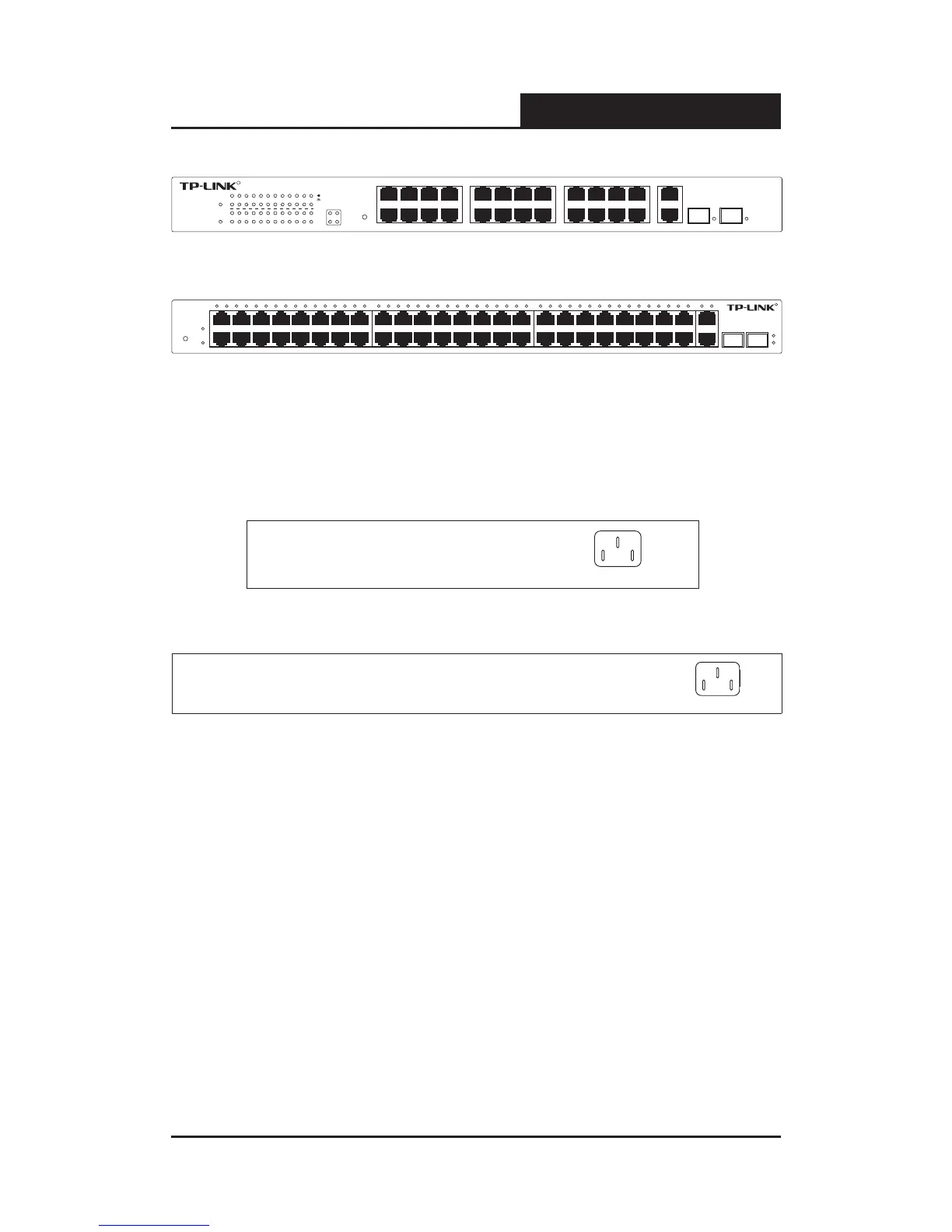
Figure 3-6 TL-SL2452WEB Front Panel
3.2.2 Back Panel
The back panel of the switch is congured as follows:
Figure 3-7 TL-SG2109WEB/SL2210WEB Back Panel
Figure 3-9 TL-SL2218WEB/SL2428WEB/SL2452WEB Back Panel
AC Power Connector: This is a three-pronged connector that supports
the power cable. Plug in the female connector of the provided power cable
into this connector, and the male into a power outlet.
3.2.3 SFP Module
The SFP port accommodates a standard SFP module. Small Form Factor
Pluggable (SFP) Optical Show as follow.
SFP module support hot-plugging, plug the SFP module into the SFP port and











 To Next Page