10
Chapter 2
Set Up Internet Connection
5. Follow the step-by-step instructions to complete the configuration.
6. Now, reconnect your wireless devices to the new Wi-Fi network and enjoy the internet!
2. 2. 2. Range Extender Mode
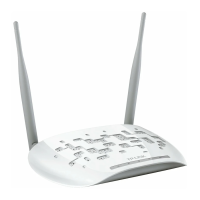
In this mode, the access point extends the range of an existing Wi-Fi network. This
mode is suitable when you are in a Wi-Fi dead-zone or a place with weak wireless signal,
and you want to have a larger effective range of the wireless signal throughout your
home or office.
Existing Router
Access Point
Internet
Extended NetworkMain Network
OR OR
TV
Other
Wired
B A
1. Connect the access point according to Step A and B in the diagram.
2. Turn on the power, and wait for about 2 minutes until the Power and Wi-Fi LEDs are lit
and stable.
3. Connect your computer to the access point via an Ethernet cable.
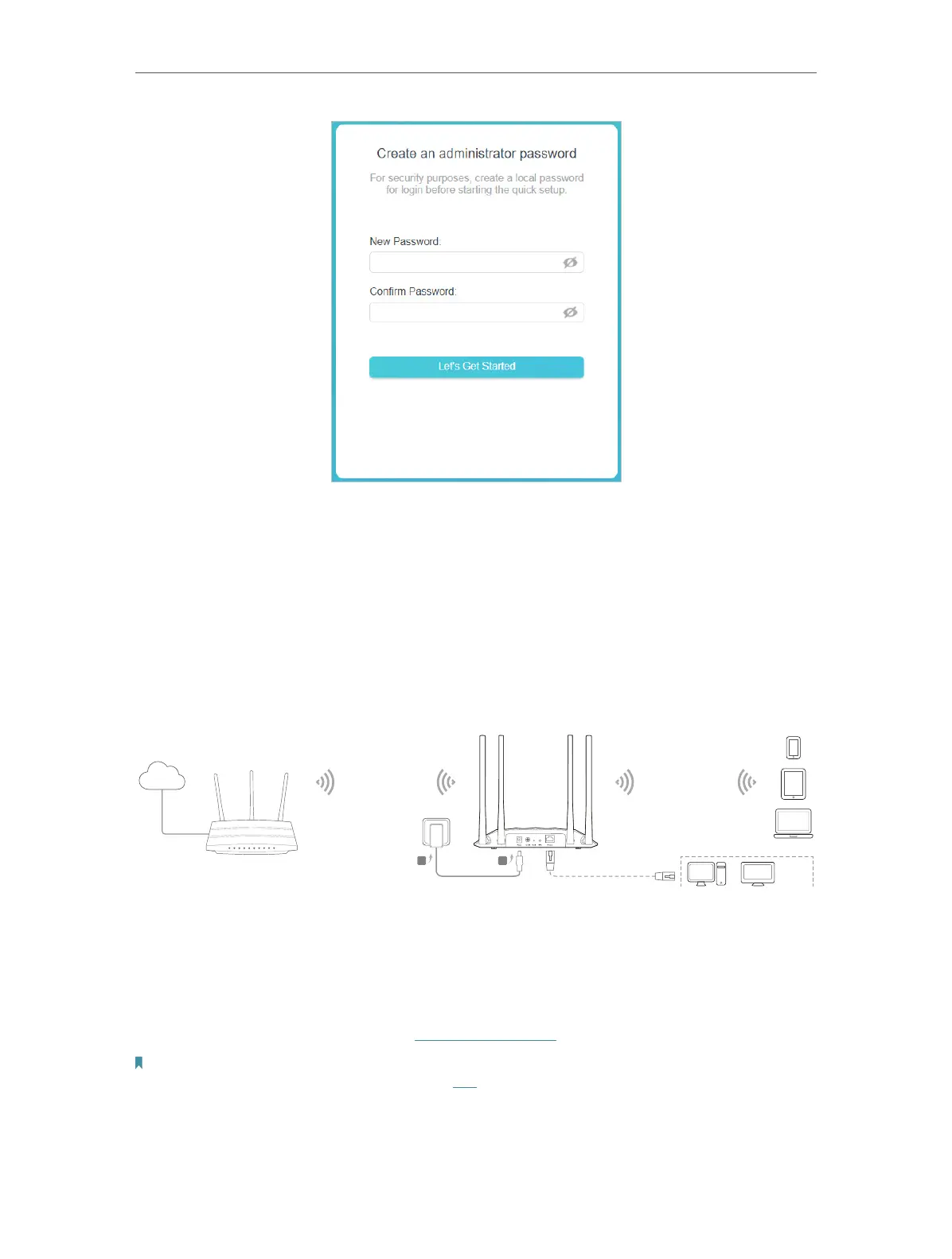
4. Launch a web browser and enter http://tplinkap.net. Create a password to log in.
Note:
If the login window does not appear, please refer to the FAQ section.



 To Next Page