EasyManua.ls Logo

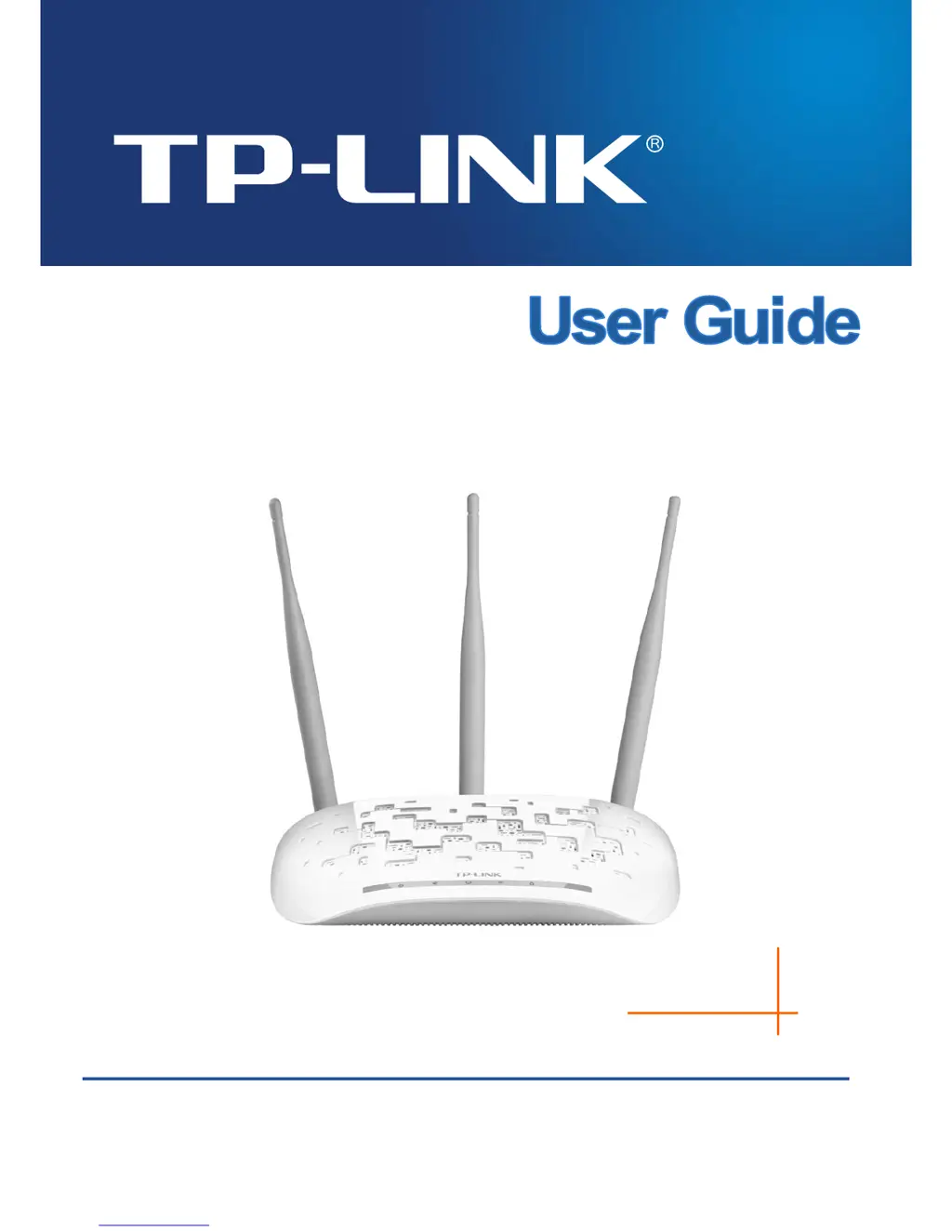
TP-Link TL-WA901ND - User Manual

TP-Link TL-WA901ND
80 pages
Print Icon
To Next Page IconTo Next Page
Loading...
TL-WA901ND
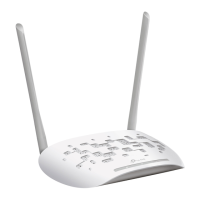
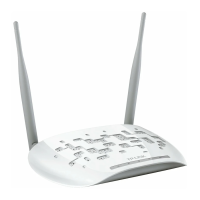
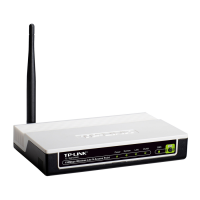
450Mbps Wireless N Access Point
REV2.0.0
1910010841

Other manuals for TP-Link TL-WA901ND

Questions and Answers

  • C
    Carol CoxJul 27, 2025
    How to restore TP-Link Wireless Access Point to factory default settings?
    • T
      Thomas HenryJul 27, 2025
      To restore your TP-Link Wireless Access Point to its factory default settings, power it on, then use a pin to press and hold the WPS/RESET button on the rear panel for more than 8 seconds, then release it.
  • M
    Maurice RobinsonAug 4, 2025
    What to do if I forget the password for my TP-Link Wireless Access Point?
    • K
      Kenneth HernandezAug 4, 2025
      First, try using the default username and password: admin, admin. If that doesn't work, refer to the file you saved in step 6 of the Quick Setup when you initially configured the device, as it contains your configured username and password. Alternatively, you can restore the Access Point to its factory default settings as described in the manual and reconfigure it following the Quick Setup instructions.
  • J
    Jessica BishopAug 15, 2025
    What to do if I cannot access the web-based configuration page of my TP-Link TL-WA901ND?
    • D
      david87Aug 15, 2025
      First, ensure you've entered the correct address, which is http://tplinkap.net, in your browser's address bar. Next, verify your hardware connection by checking the LAN LED on the front panel of your TP-Link Wireless Access Point. A green light indicates a good connection. If not, double-check your hardware connections. Also, ensure your wired device’s IP address is set to 'Obtain an IP address automatically'.

Summary

Introduction and Device Overview

Product Features and Specifications

Details on the TL-WA901ND's capabilities and technical specs.

Device Appearance

Identification of physical ports and indicators.

Hardware Installation and Setup

Installation Prerequisites

Requirements and preparation steps before setup.

Connecting the Device

Physical connection instructions for the access point.

Quick Installation Guide

Step-by-Step Quick Setup

Guided initial configuration process.

Device Configuration and Management

Accessing the Web Interface

Logging into the device's management page.

Network Settings

Configuring LAN IP, DHCP, and DNS.

Wireless Settings and Security

Setting up SSID, channels, modes, and encryption.

System Tools and Maintenance

Firmware updates, reboot, logs, and password.

TP-Link TL-WA901ND Specifications

General IconGeneral
Security algorithms64-bit WEP, 128-bit WEP, 152-bit WEP, WPA, WPA2, WPA2-PSK
MAC address filteringYes
Service Set Identifier (SSID) featuresSSID broadcast on/off
Antenna featuresDetachable antenna
Antennas quantity3
Antenna connector typeRP-SMA
Antenna gain level (max)5 dBi
5 GHzNo
Modulation-
Frequency band2.4 - 2.4835 GHz
Number of users- user(s)
Channels quantity- channels
Networking standardsIEEE 802.11b, IEEE 802.11g, IEEE 802.11n
Receiver sensitivity270M: -68dBm@10% PER 130M: -68dBm@10% PER 108M: -68dBm@10% PER 54M: -68dBm@10% PER 11M: -85dBm@8% PER 6M: -88dBm@10% PER 1M: -90dBm@8% PER
Wi-Fi data rate (max)450 Mbit/s
Ethernet LAN data rates10, 100 Mbit/s
Input current1 A
AC input voltage12 V
Power consumption (typical)5.8 W
PlacementTable, Wall
CertificationCE, FCC, RoHS
Product colorWhite
WAN connectionEthernet (RJ-45)
USB 2.0 ports quantity0
Ethernet LAN (RJ-45) ports1
Cables includedLAN (RJ-45)
Compatible operating systemsWindows XP / Vista / 7 / 8
Storage temperature (T-T)-40 - 70 °C
Operating temperature (T-T)0 - 40 °C
Storage relative humidity (H-H)5 - 90 %
Operating relative humidity (H-H)10 - 90 %
Weight and Dimensions IconWeight and Dimensions
Depth129.9 mm
Width194.8 mm
Height36.2 mm

Videos

How to Configure TP-LINK TL-WA901ND Wireless Access Point N 450Mbps

How to Setup Range Extender | TP Link TL-WA901ND Repeater Setup

Related product manuals