Selecting Internet Radio as
source
Briefly tap the button on the front panel of the R 1000 E or on the
FM1000 remote control handset, repeatedly if necessary, until the source
“Internet Radio” is displayed on the screen.
The next step is to select the “Radios” entry from the list using the /
buttons, and confirm your choice with or . The list entry
you choose is now displayed in enlarged form.
Select the “Podcasts” entry instead of the “Radios” entry from the list using the
/ buttons, and confirm your choice with or .
The method of operating music services is described separately in the section
entitled “Operating music services”.
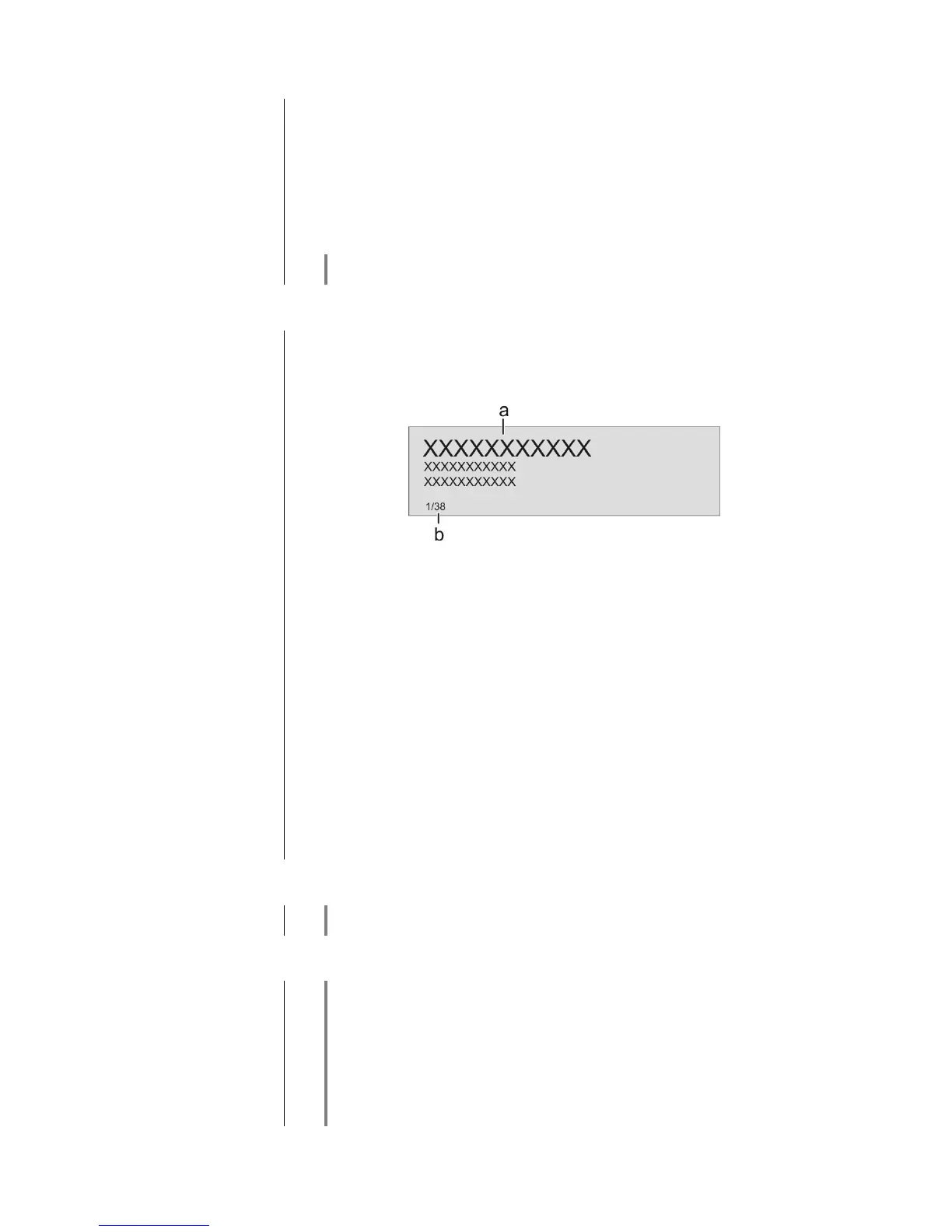
The music content to be played is selected with the help of Select lists. These
lists are controlled using the navigation buttons (cursor buttons) on the remote
control handset or the machine’s front panel.
a) Use the / buttons to select the desired entry from the list.
A brief press selects the previous / next entry within the list. The scrolling
speed can be increased by holding the button pressed.
The list entry you choose is now displayed in enlarged form.
Press the or button to open or start the list entry shown in
enlarged form.
Pressing the button returns you to the previous folder level.
b) Indicates the currently selected point within the opened list.
Starting playback
Press the button on the remote control handset or the machine’s front
panel to start playback.
Stopping playback
Pressing the button halts playback.
Stations and podcasts to which you often listen can be stored in a Favourites list;
this makes it easier to select them (see the section entitled “Favourites list”).
While playing back the R 1000 E can be switched to either of two different
screen displays with a long press on the button:
Large-format display:
Enlarged display of the most important information, clearly legible even from
a distance
Detail display:
Small-text display showing a large number of additional information points,
e.g. bit-rate etc.



 To Next Page