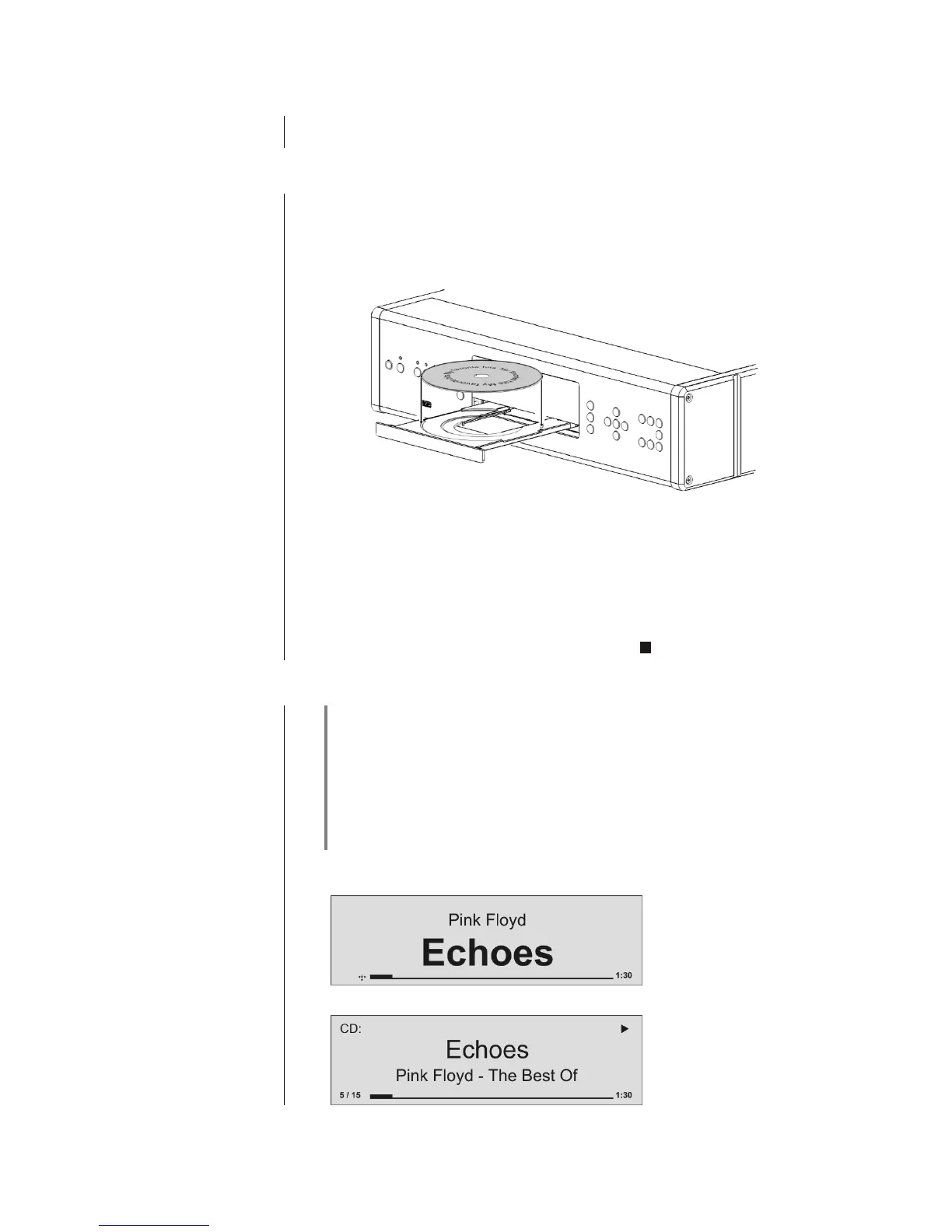
Select the CD player as source by pressing the button on the FM1000,
or by pressing the button on the front panel of the R 1000 E twice.
Open the CD drawer ( on the front panel / FM1000)
Place the disc centrally in the appropriate depression in the drawer, with the
side to be played facing down.
Close the CD drawer (on the front panel / FM1000)
When you close the drawer, the machine immediately reads the CD’s 'Table
of Contents'; the screen displays the message 'Reading'. During this period
all button-presses are ignored.
The screen then displays the total number of tracks on the CD in the drawer,
e.g.: '13 Tracks 60:27'.
It is also shows the current mode of operation, e.g.
In CD mode the R 1000 E can be switched to either of two different screen
displays with a long press on the button:
Large-format display:
Enlarged display of the most important information, clearly legible even from
a distance
Detail display:
Small-text display showing a large number of additional information points,
e.g. bit-rate etc.



 To Next Page