11 |
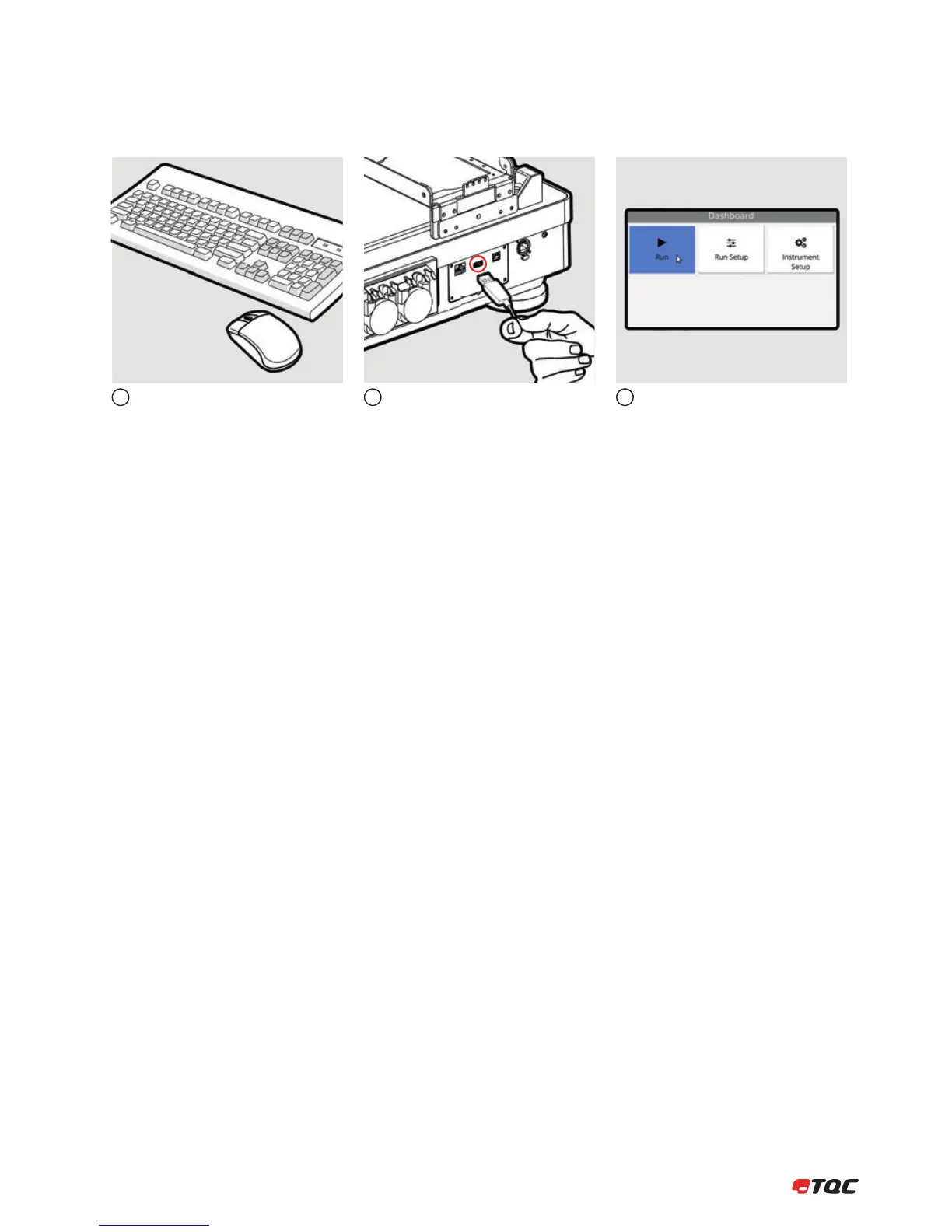
5.2 Connecting a Mouse and Keyboard
The instrument can also be controlled by a
mouse and/or keyboard.
Connect the mouse and/or keyboard to the
USB-A port at the back of the instrument.
Clicking the left mouse button behaves the
same as the OK button. (Not all input fields
can be controlled by a mouse.)
123


 To Next Page