TracVision M9 User’s Guide
25
Chapter 3 - Settings
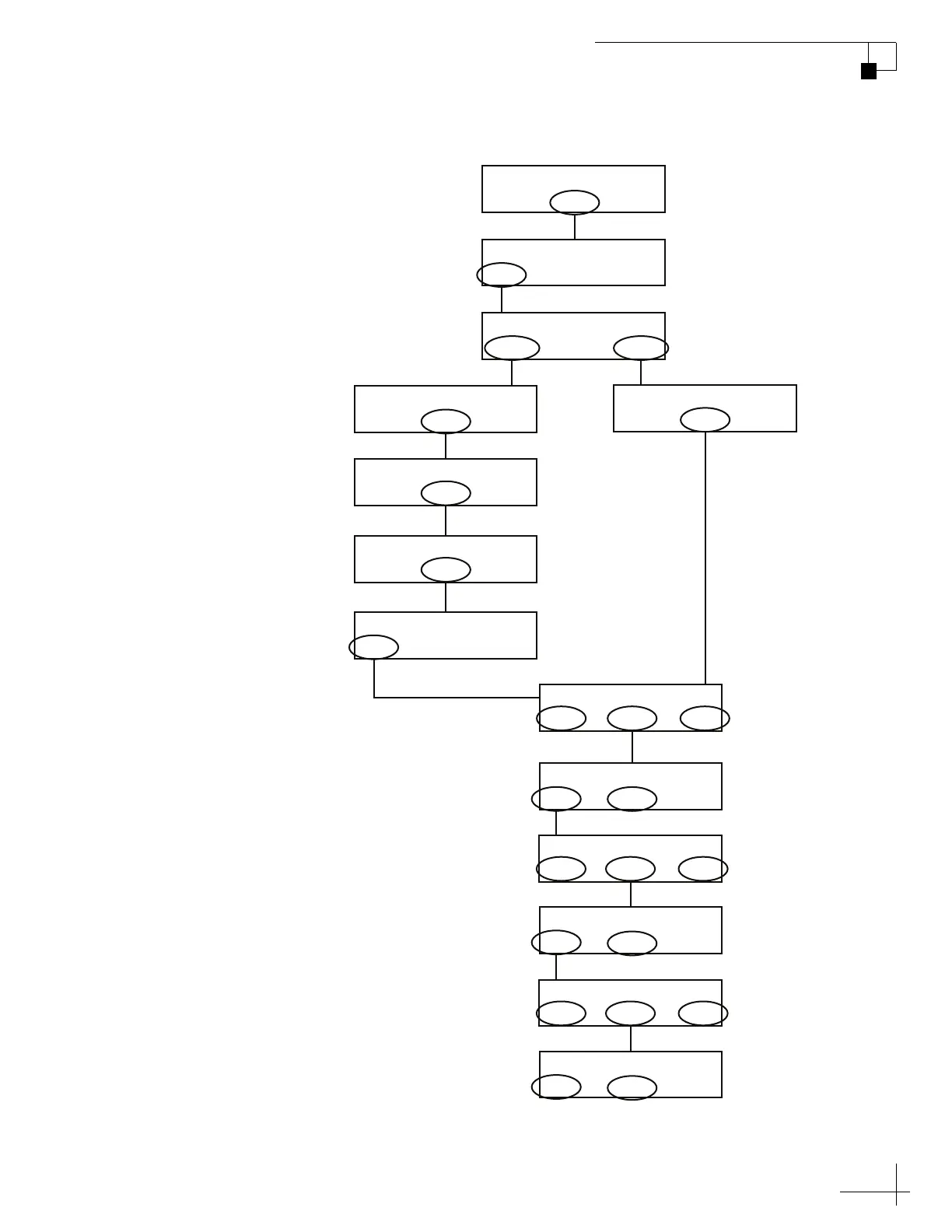
Figure 3-2 Selecting from the Satellite Library
Yes Next Cancel
Install A Satname1
Yes Next Cancel
Install B Satname2
East Enter West
Select Hemisphere: W
Sat B Menu Sat C
Tracking Satellite A
Yes Next Return
Install Satellite?
Circular Linear
Circular or Linear?
Yes Next Return
Service=DIRECTV?
Yes Next Return
Service=DISH?
Yes Next Return
Service=ExpressVu?
Yes Next Return
Service=Custom?
Yes Next Return
Trisat Mode?
East Enter West
Select Hemisphere: W
Choose the first satellite to install;
select “Yes” to choose the
displayed satellite, or select “Next”
to choose a different satellite.
Choose East (E) or West (W),
then select “Enter.”
Choose the second satellite to
install; select “Yes” to choose the
displayed satellite, or select “Next”
to choose a different satellite.
Yes Next Cancel
Install C Satname3
East Enter West
Select Hemisphere: W
Choose the second satellite to
install; select “Yes” to choose the
displayed satellite, or select “Next”
to choose a different satellite.



 To Next Page