TracVision M9 User’s Guide
45
Appendix A - Advanced Settings and Functions
Manually Controlling the Antenna
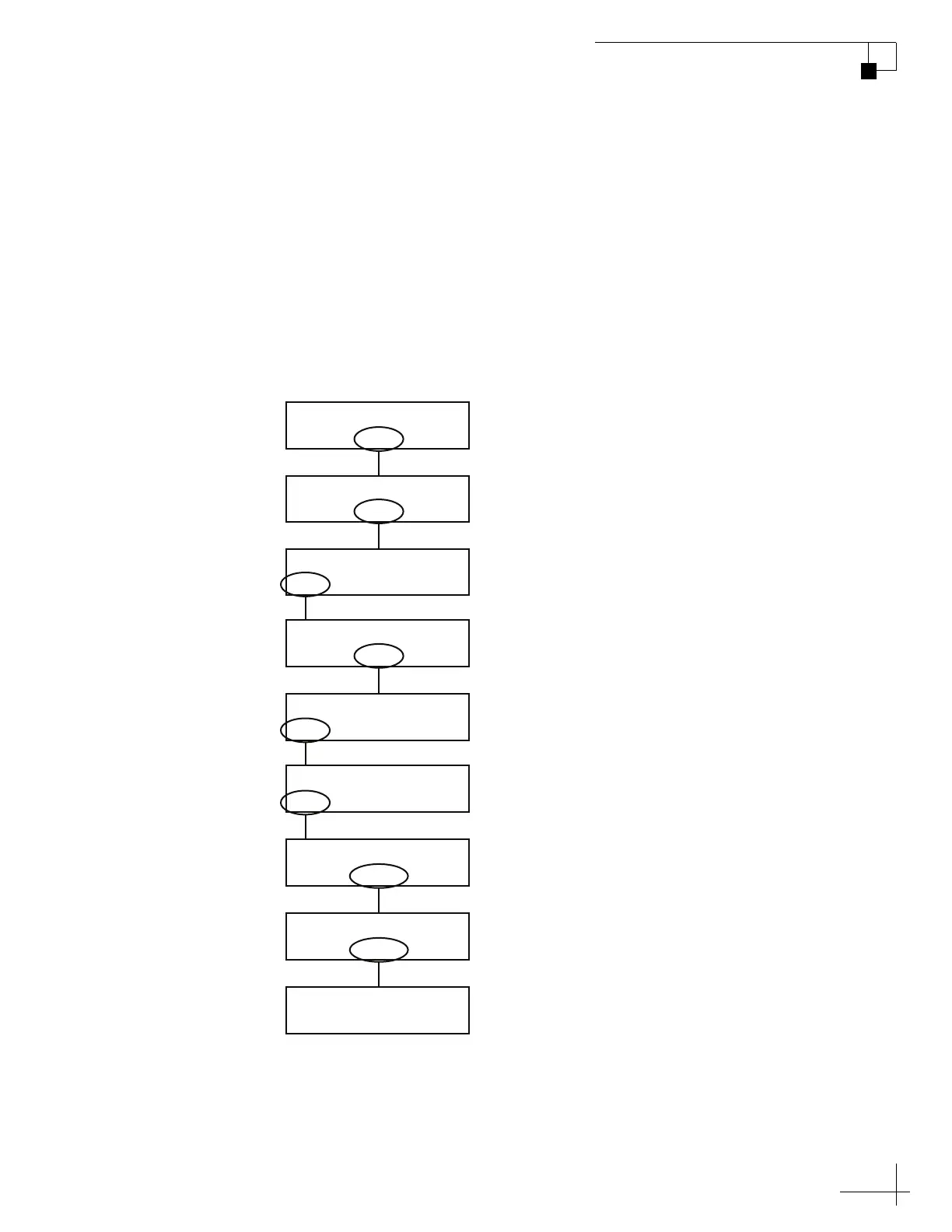
Use the flowchart in Figure A-1 if you wish to control the antenna
manually.
NOTE: If you are performing this procedure as part of the satellite frequency
scan update procedure, be sure to select “NO” at the “Make Antenna Track”
screen.
TIP: Once you have finished positioning the antenna, the system will revert
to automatic control.
Figure A-1 Manually Controlling the Antenna
Sat B Menu Sat C
Tracking Satellite A
Yes Next Return
Install Satellite?
Yes Next Return
Operations Mode?
Yes Next Return
Get Antenna Status?
Yes Next Return
Control Antenna?
Yes No Can cel
Make Antenna Track?
Yes Next Return
Man Control Antenna?
– Azimuth +
Az = 999.9° El = 999.9°
– Elevation +
Az = 999.9° El = 999.9°
Select “
–
” or “+” to change the
azimuth value relative to the
vessel’s bow (not a magnetic
reference). Then select “Azimuth.”
Select “
–
” or “+” to change the
elevation value. Then select
“Elevation.”
Select “
Yes
” if you wish to make
the antenna track. Note: If you
are performing this procedure
as part of a satellite frequency
scan, select “No.”
Select “Next” until “Operations
Mode?” is displayed.



 To Next Page