TracVision M9 User’s Guide
31
Chapter 3 - Settings
Manually Setting Latitude and Longitude
If the GPS is blocked or unavailable, you can manually set the vessel’s
latitude and longitude data. Manually set latitude and longitude
values are automatically overwritten once valid GPS is detected.
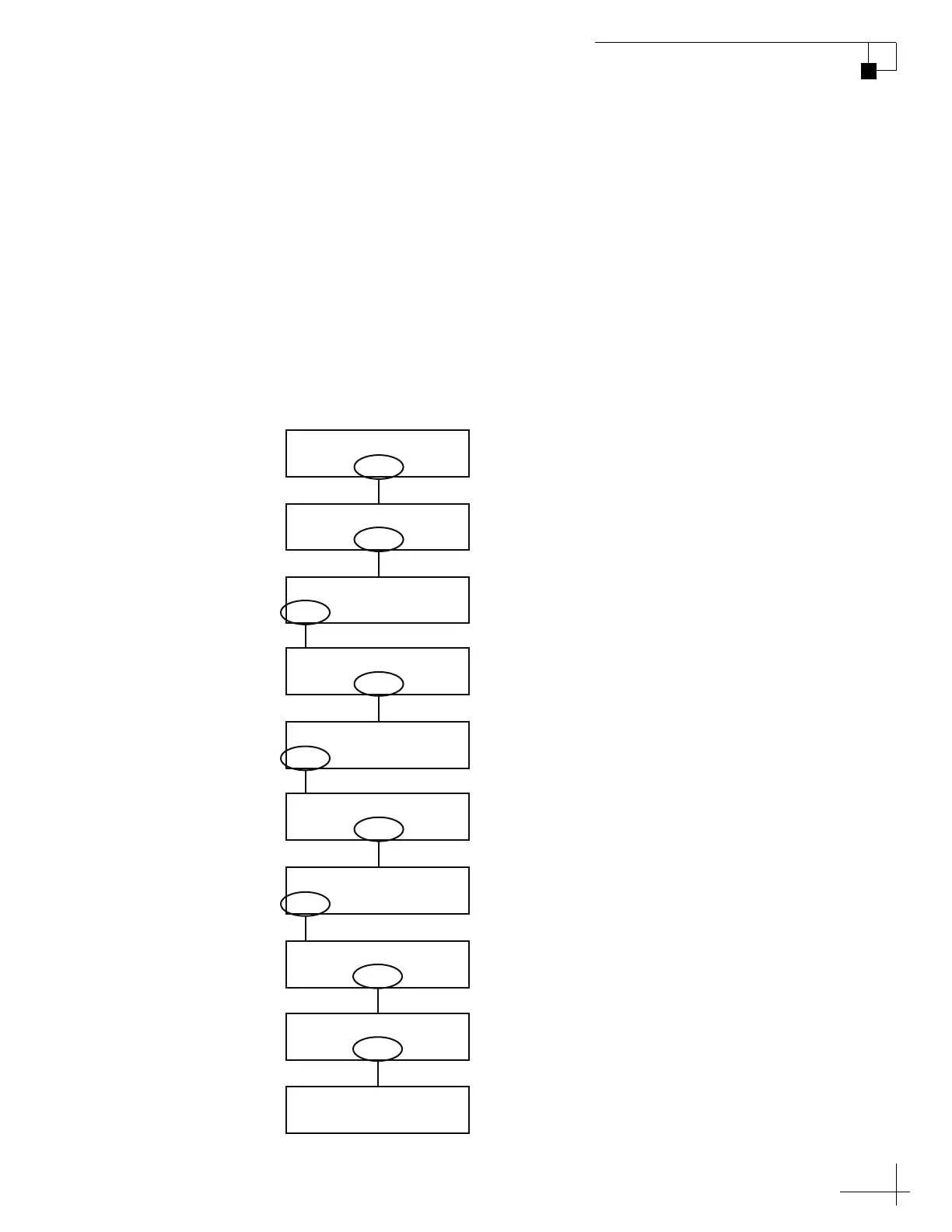
Use the flowchart in Figure 3-8 if you wish to manually set the latitude
and longitude.
TIP: If the “Lat/Long not valid for Sat Pair” message appears, recheck and re-
enter your installed satellites.
Figure 3-8 Manually Setting the Latitude and Longitude
Sat B Menu Sat C
Tracking Satellite A
Yes Next Return
Install Satellite?
Yes Next Return
Operations Mode?
Yes Next Return
Get Antenna Status?
Yes Next Return
Control Antenna?
Yes Next Return
Man Control Antenna?
Yes Next Return
Set Lat/Long?
– Enter +
Latitude: 99N
– Enter +
Longitude: 999W
Longitude: 999W
Latitude: 99N
Select “
–
” or “+”
to change the
value. Then
select “Enter.”
Select “Next” until
“Operations Mode?”
is displayed.
Select “Next” until
“Set Lat/Long?”
is displayed.



 To Next Page