TracVision M9 User’s Guide
29
Chapter 3 - Settings
Adjusting Display Brightness
The MCU display brightness can be adjusted to suit your preferences.
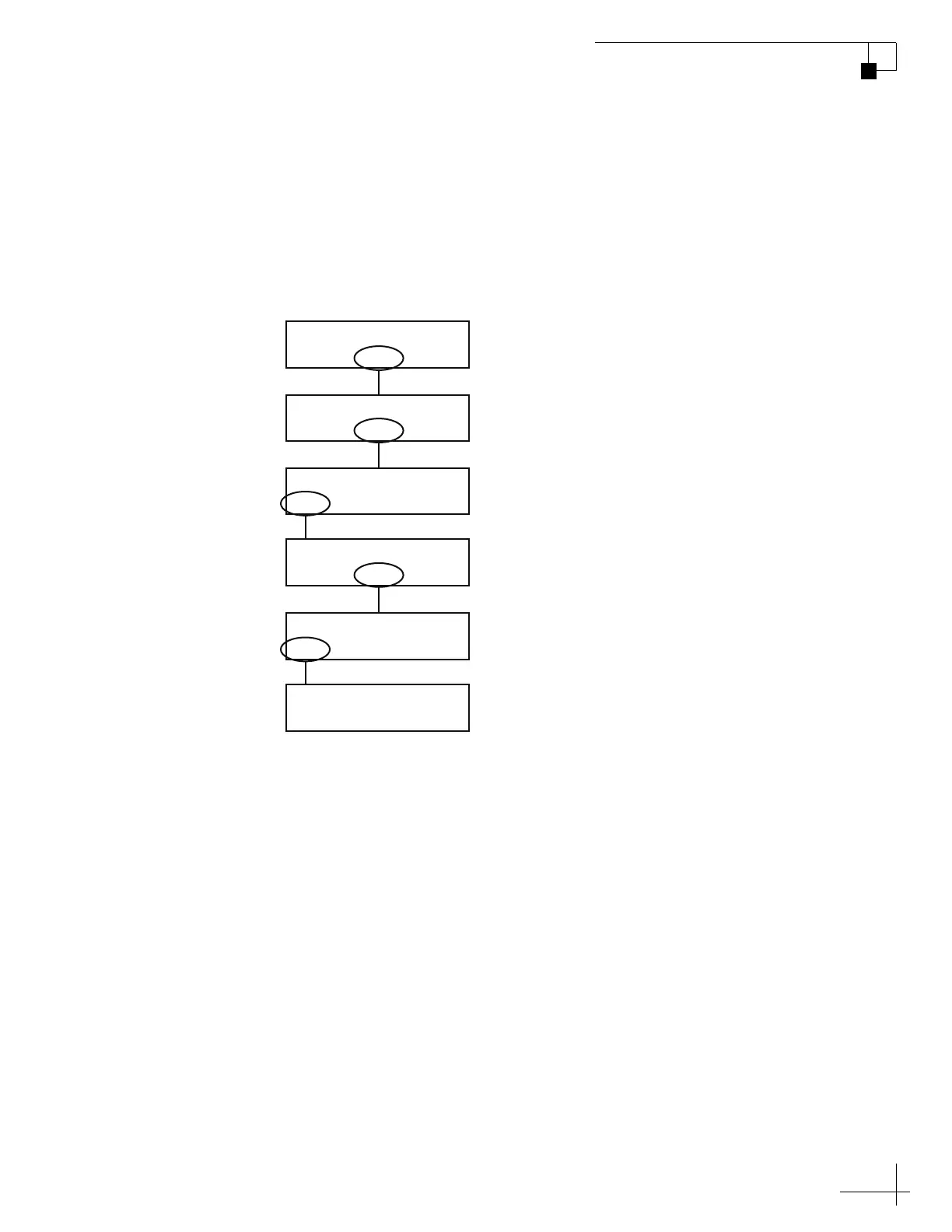
Use the flowchart in Figure 3-6 if you wish to adjust the display
brightness, or if you wish to restore the original brightness setting.
Figure 3-6 Setting Display Brightness
Sat B Menu Sat C
Tracking Satellite A
Yes Next Return
Install Satellite?
Yes Next Return
Operations Mode?
Yes Next Return
Get Antenna Status?
Yes Next Return
Set Brightness?
Min Bright Max
**********************
Select “Next” until
“Operations Mode?”
is displayed.
Select “Next” until
“Set Brightness?”
is displayed.
Select “Min” or
“Max” to adjust
brightness. Then
select “Bright.”



 To Next Page