TracVision M9 User’s Guide
28
Chapter 3 - Settings
Changing the Instant On Setting
When Instant On is enabled, the antenna can immediately receive
signals if the vessel has not moved since the antenna was last shut off.
However, if the system is turned off, and then the vessel moves after
last acquiring the satellite via Instant On, the antenna will undergo its
standard initialization process once it is turned back on. This results in
a brief delay.
TIP: The default Instant On setting is off.
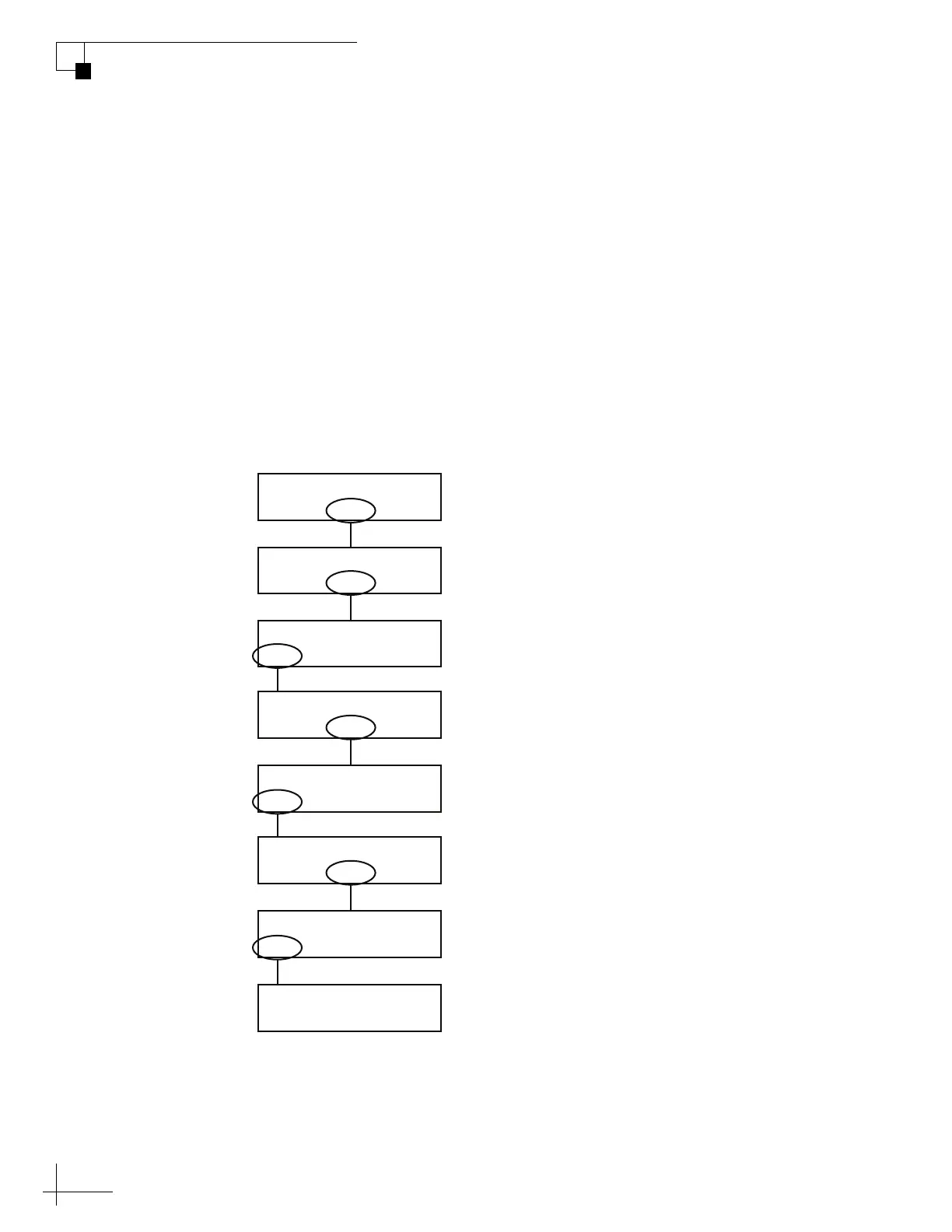
Use the flowchart in Figure 3-5 if you wish to enable Instant On, or if
you wish to restore the original setting.
Figure 3-5 Setting Instant On/Instant Off
Sat B Menu Sat C
Tracking Satellite A
Yes Next Return
Install Satellite?
Yes Next Return
Operations Mode?
Yes Next Return
Get Antenna Status?
Yes Next Return
Control Antenna?
Yes Next Return
Man Control Antenna?
Yes Next Return
Set Instant On/Off?
On Return Off
Instant Mode: On
Select “On” or “Off”.
Then select “Return.”
Select “Next” until
“Operations Mode?”
is displayed.
Select “Next” until
“Set Instant On/Off?”
is displayed.



 To Next Page