EasyManua.ls Logo

TracVision M9 - Page 44

TracVision M9
73 pages
Print Icon
To Next Page IconTo Next Page
To Previous Page IconTo Previous Page
Loading...
TracVision M9 User’s Guide
47
Appendix A - Advanced Settings and Functions
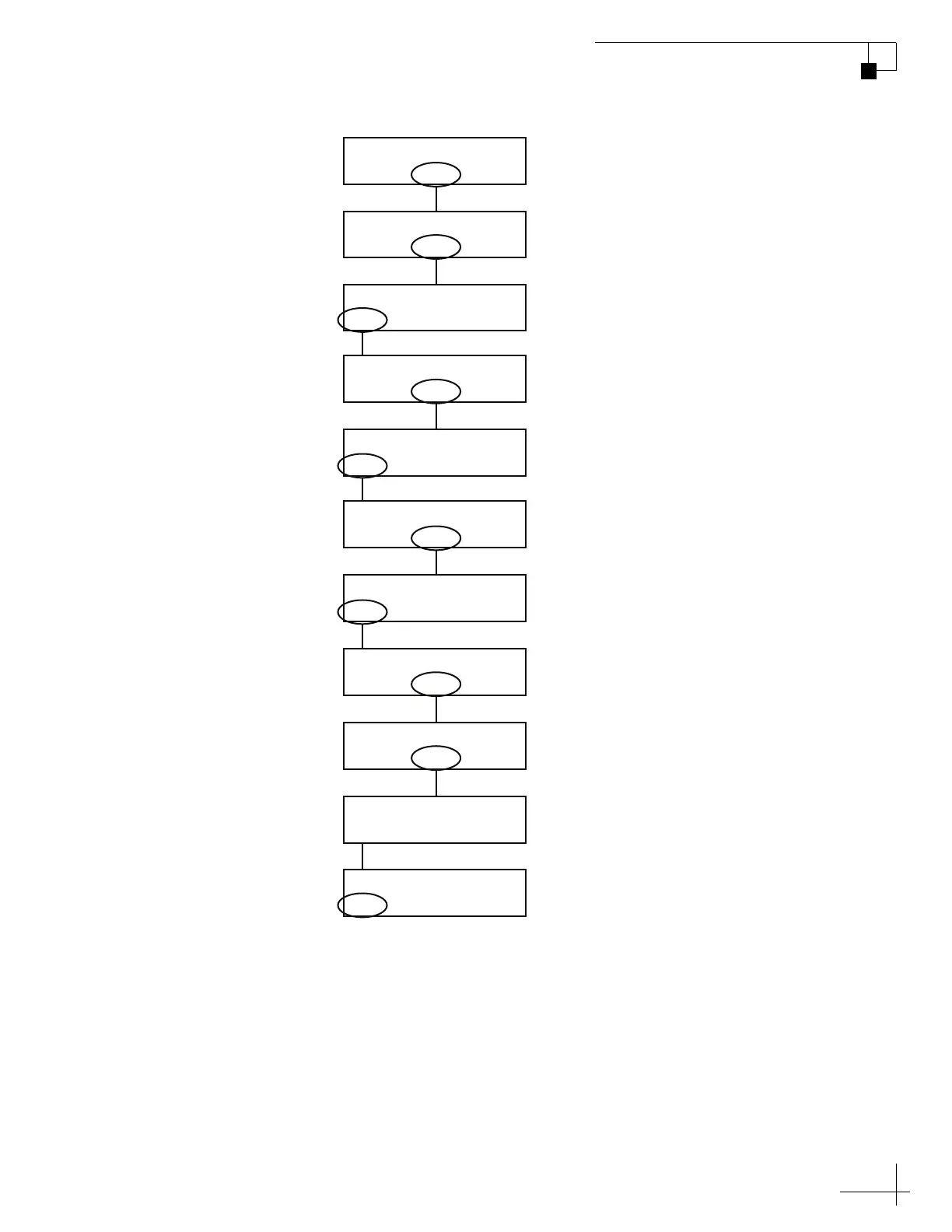
Figure A-2 Scanning Frequency Data
Sat B Menu Sat C
Tracking Satellite A
Yes Next Return
Install Satellite?
Yes Next Return
Operations Mode?
Yes Next Return
Get Antenna Status?
Yes Next Return
Control Antenna?
Please Wait
Updating Frequency
Yes Next Return
Man Control Antenna?
Yes Next Return
Sat Frequency Scan?
– Enter +
Symbol Rate: XXXXX
Yes No
Restart System?
– Enter +
Set FEC Code: X/X
Select “
Next
until “Sat
Frequency Scan?” is displayed.
Select “
or “+” to change the
symbol rate. Then select “Enter.
Select “
or “+” to change the
FEC Code. Then select “Enter.
Wait up to 10 minutes for
updating to complete.
Select “Next” until “Operations
Mode?” is displayed.

Table of Contents

Other manuals for TracVision M9

Related product manuals