TracVision M9 User’s Guide
Appendix B - Programming User-defined Satellites
56
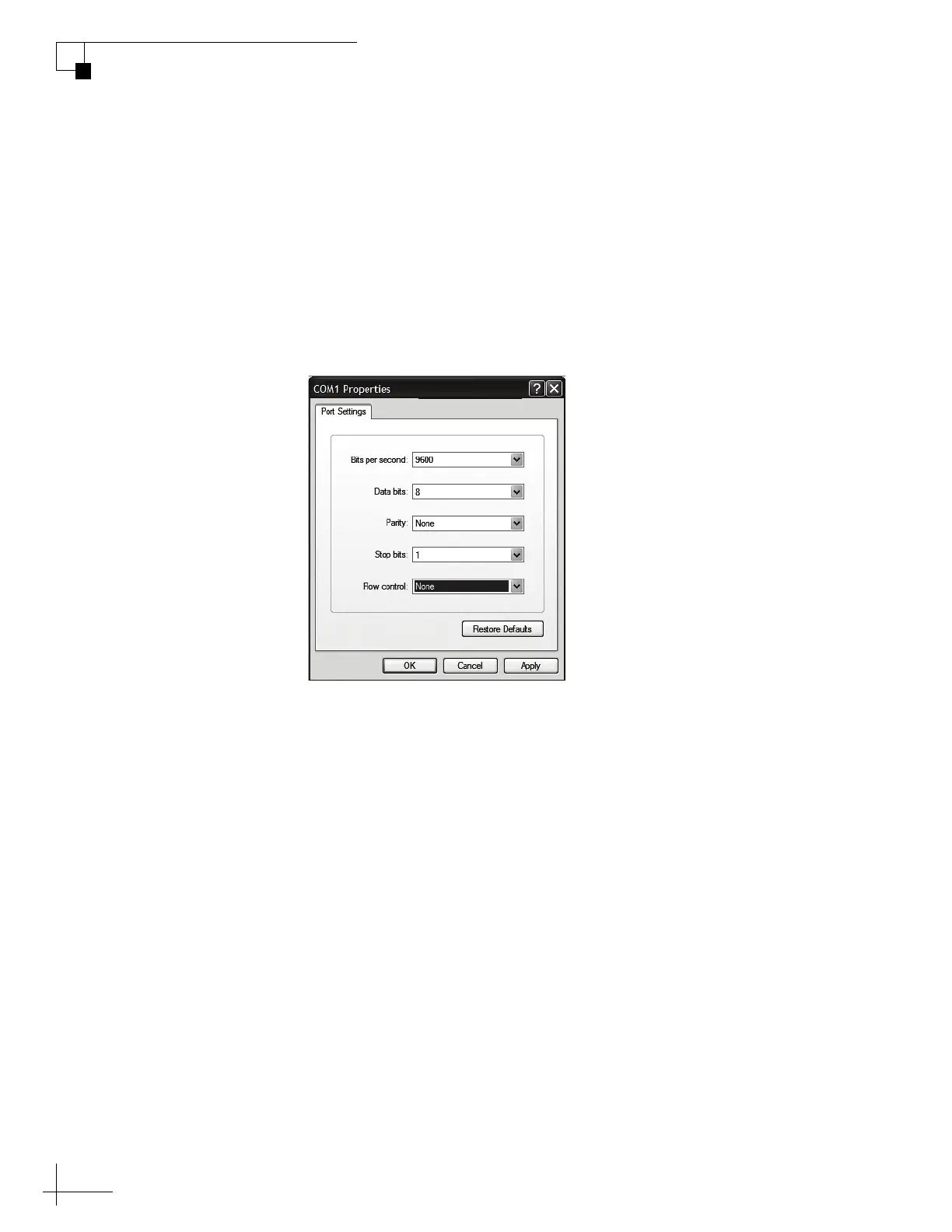
3. Open HyperTerminal and establish the following
settings:
• Bits per second: 9600
• Data bits: 8
• Parity: None
• Stop Bits:1
• Flow Control: None
Figure B-2 HyperTerminal Settings
TIP: To view characters on the screen as you type, set up HyperTerminal to
echo typed characters. Select “Properties” from the File menu; select “ASCII
Setup” at the Settings tab; then select “Echo typed characters locally” at the
ASCII Setup window.
4. Turn on the TracVision system.



 To Next Page