TracVision M9 User’s Guide
Appendix B - Programming User-defined Satellites
58
3. Type the following SATCONFIG command then press
Enter:
SATCONFIG,X,A,B,C,D
4. Type
@DEBUGON then press Enter.
5. Type the following
@SATCONFIG command then
press Enter:
@SATCONFIG,X,E,F,G,H,I,J,K
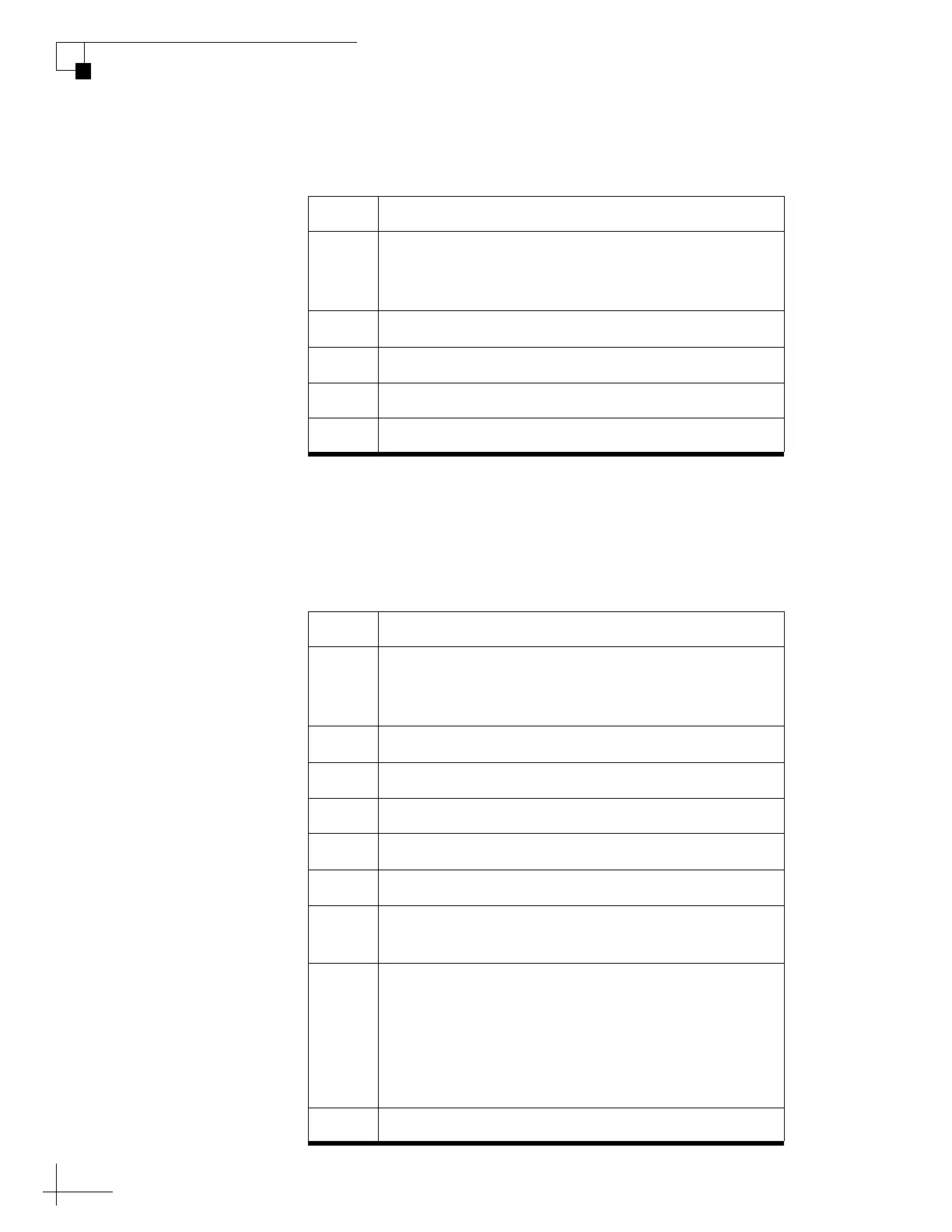
Field Description
X User-defined satellite stored in antenna library
(User1 = User-defined Satellite 1 or
User2 = User-defined Satellite 2)
A Longitude (0-180)
B E (East) or W (West)
C Decoding type (2 = DSS, 3 = DVB)
D Polarization (L = linear) (C = circular)
Field Description
X User-defined satellite stored in antenna library
(User1 = User-defined Satellite 1 or
User2 = User-defined Satellite 2)
D Satellite table # (98 = User1; 99 = User2)
E Frequency, MHz (00000 or 10700-12700)
F Symbol rate, kilosymbols per second (10000-45000)
G FEC code (12, 23, 34, 56, 67, or 78)
H Network ID, hexadecimal (0x####)
I Polarization (V = vertical; H = horizontal;
R = right; L = left)
J LNB down conversion frequency
(U = USA [11250 MHz];
L = low [9750 MHz];
H = high [10600 MHz];
G = Latin America [10500 MHz];
S = Sinosat [11300 MHz])
K Decoding type (2 = DSS, 3 = DVB)



 To Next Page