TracVision M9 User’s Guide
4
Chapter 1 - Introduction
Typographical Conventions
This manual uses the following typographical conventions:
Master Control Unit (MCU) Interface Conventions
When instructions indicate to select a specific MCU menu option,
press the MCU button located directly beneath the menu option.
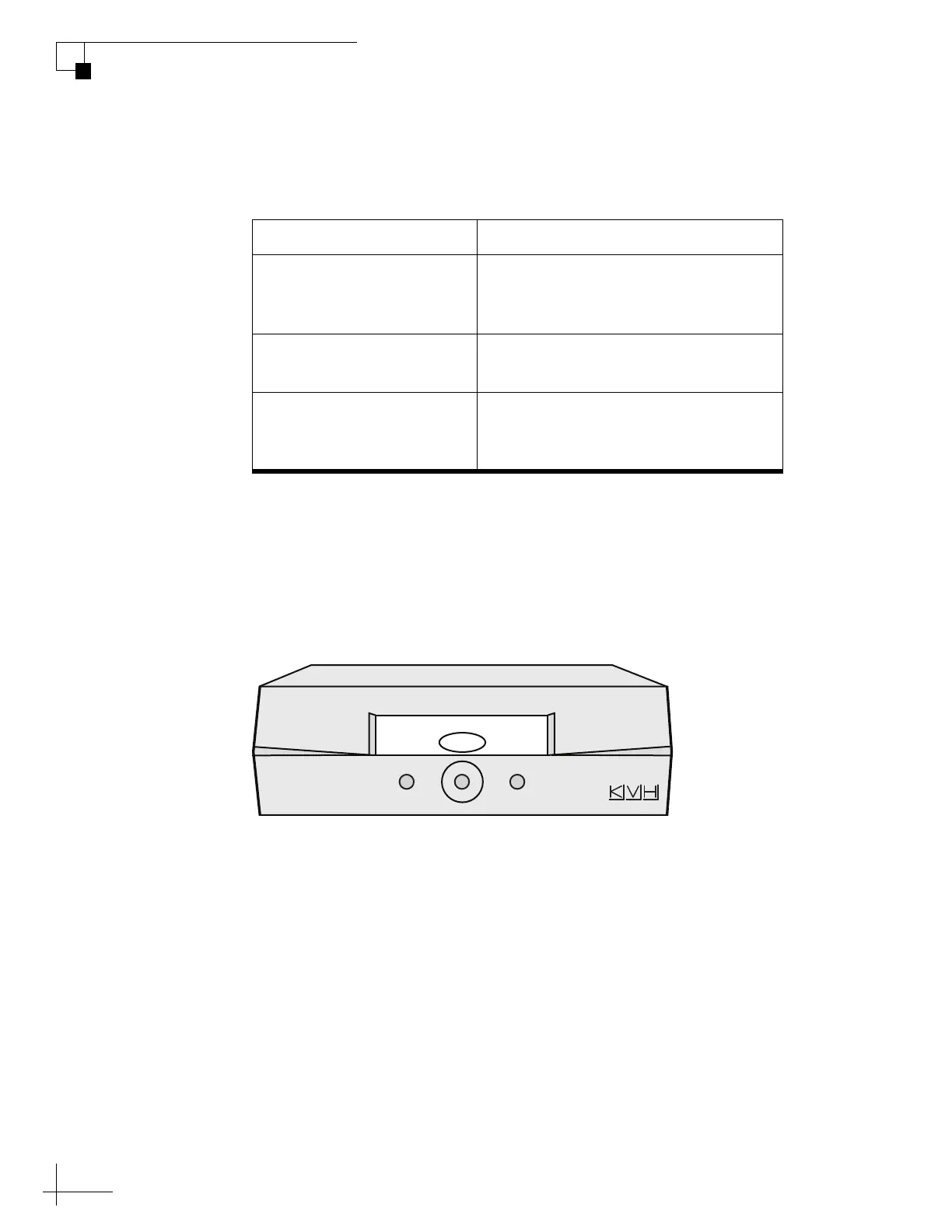
Figure 1-1 Example of MCU Menu Option and Corresponding Button
Text Example Description
Text in brackets or the pound sign (#)
indicates a variable portion of the
MCU display
HALT
Bold text in capital letters indicates a
command to be entered via a PC
X
Bold text in italicized capital letters
indicates a variable portion of a
command to be entered via a PC
Tracking Satellite A
Sat B Menu Sat C



 To Next Page