BM-20 PLUS Operator’s Manual 11
3.3. Replacing the cutting inserts
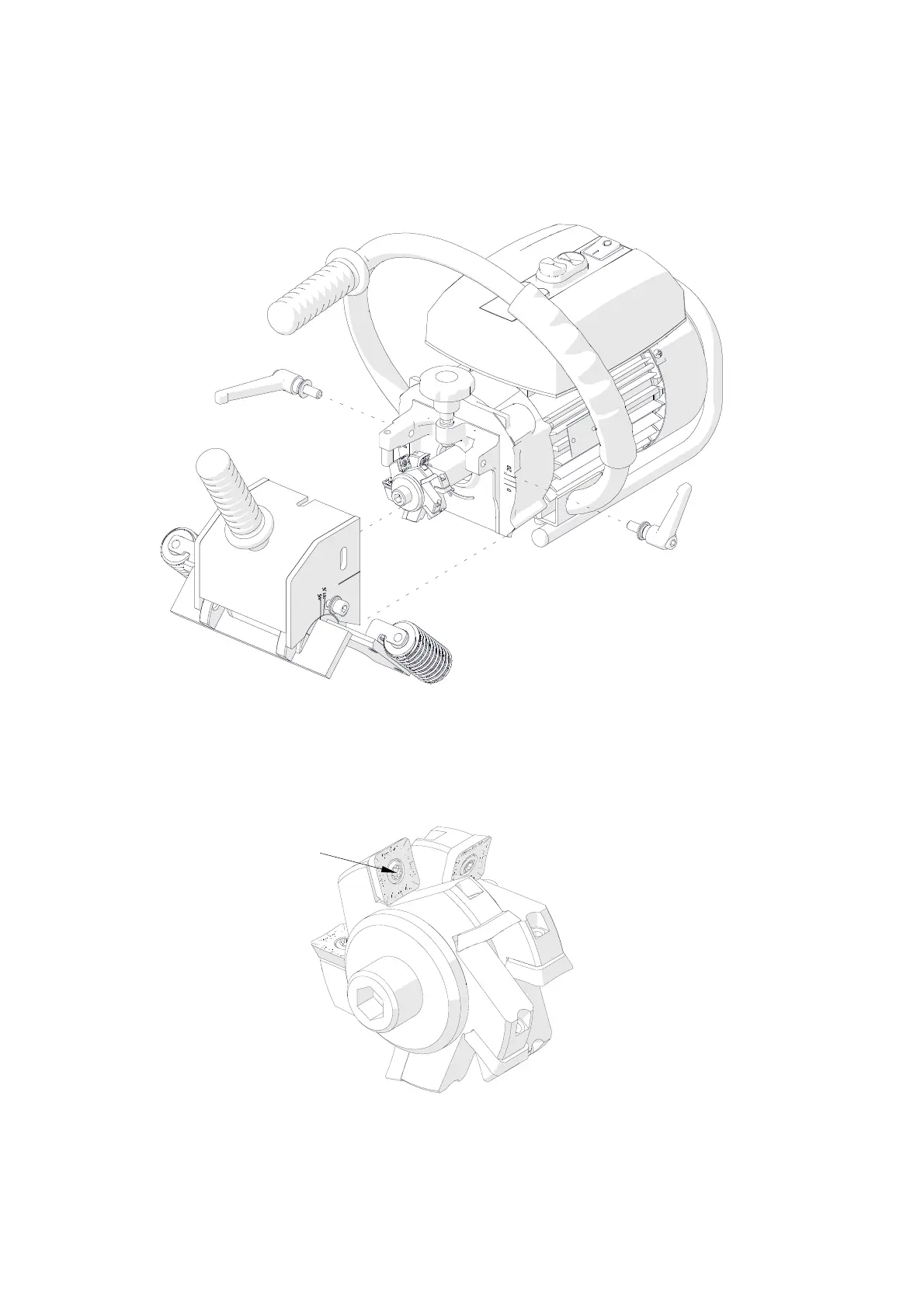
Unplug the power cord from the power outlet, then unscrew the levers (Fig. 6) and
remove the milling cutters cover.
Fig. 6. Removing the milling cutters cover
Use the supplied T15P screwdriver to unscrew the set screw (Fig. 7), then remove
the insert and clean the socket. Next, place the 90° rotated insert again or replace
with a new one if all four edges of the insert are worn.
Fig. 7. Replacing the cutting inserts
Set screw



 To Next Page