Chapter 7 • Patient Compliance • page 24
Using Somnetics Sleep Apnea Therapy Management Utility
Functions
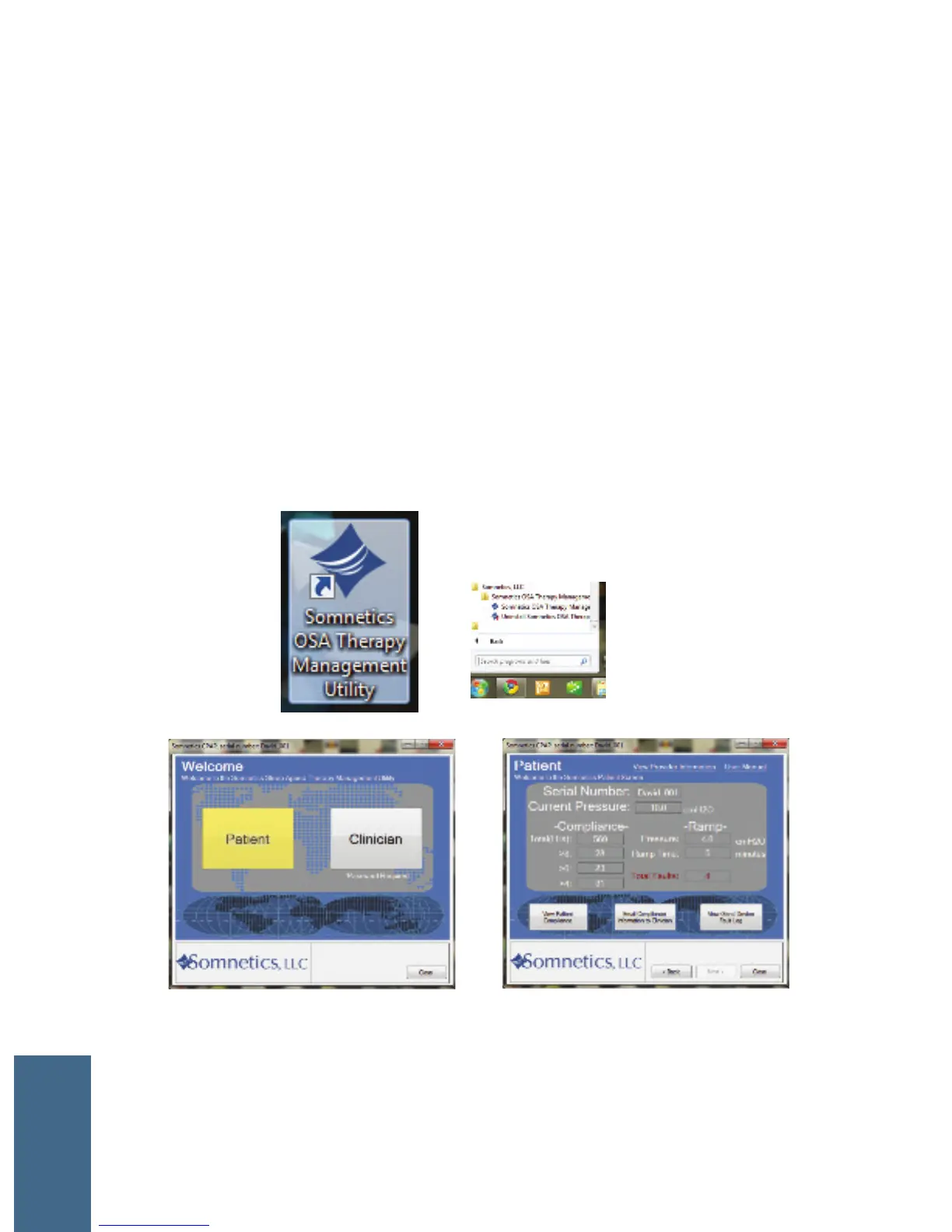
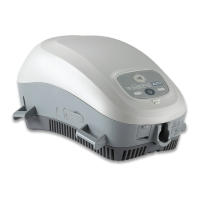
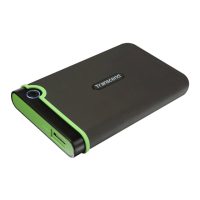
1 Connect Transcend to your computer with a USB cable and to a power source.
2 Launch the Management Utility program from your desktop or Start menu.
3 You will see a Welcome box.
4 Click the Patient button to view device settings, view patient compliance,
email a compliance report to your provider, and view or email a device fault
log.
2
3
4
COMPLIANCE


 To Next Page