Chapter 7 • Patient Compliance • page 25
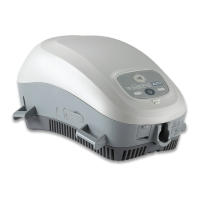
View Patient Compliance
1 Click the View Patient Compliance button.
2 From the Patient Compliance screen you may generate a PDF of your
compliance report for your records. This is automatically saved to the desktop.
1
2
1
2
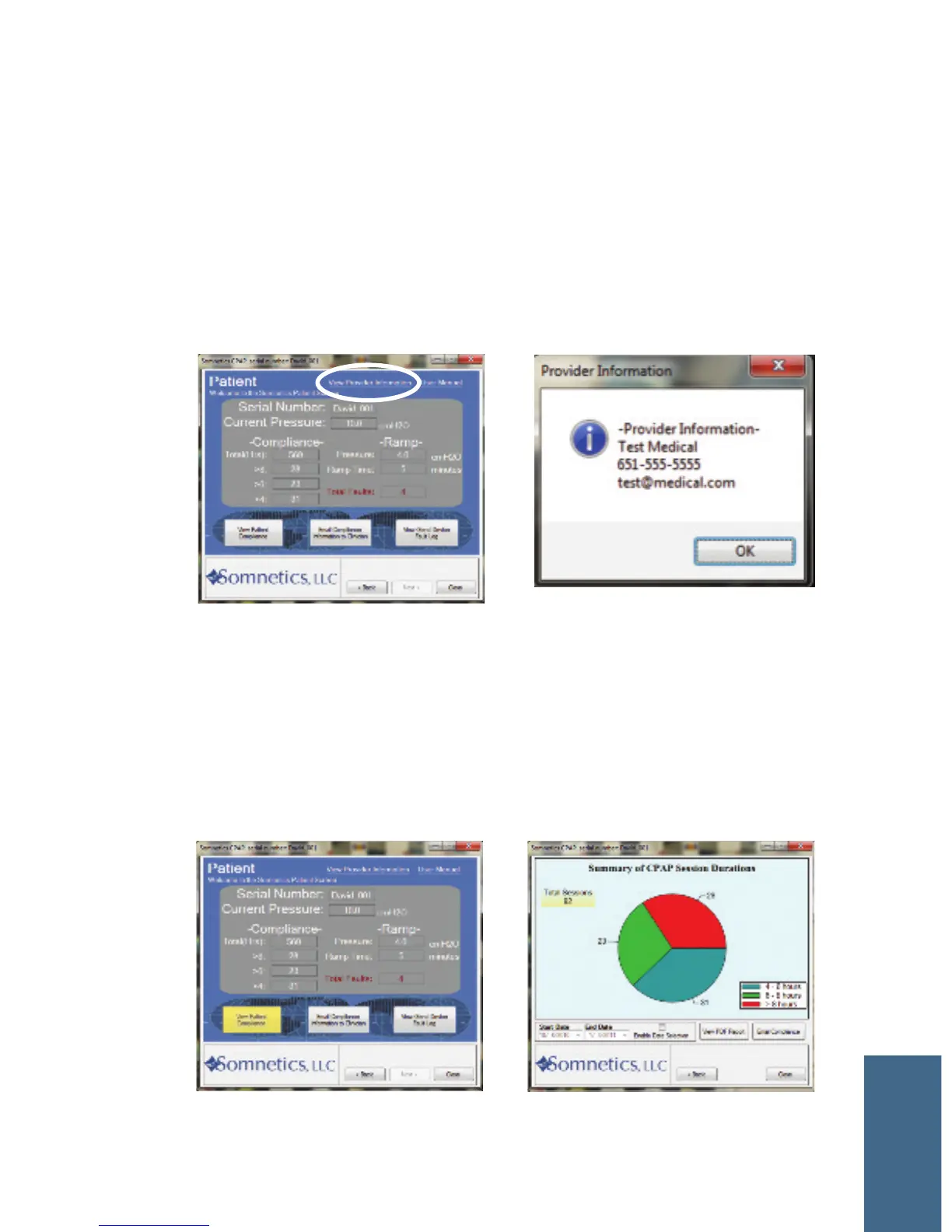
View Provider Information
1. The View Provider Information link is on the top right of the Patient box.
2. View your provider’s company name, email address, and phone number.
COMPLIANCE



 To Next Page