4
1. Welcome
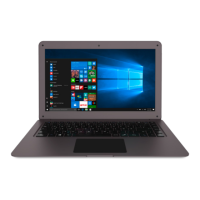
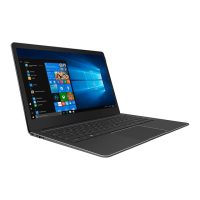
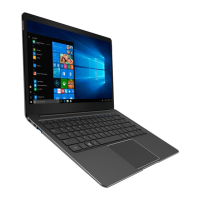
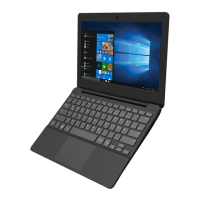
We hope you enjoy your new Surbook E11B.
The online operating instructions, the enclosed Quick Guide and the additional
brochure "Product Safety and Legal Information" are direct components of the
product.
Please read all three documents carefully before you turn on your device. They
contain important information about device safety, usage and disposal.
Please keep these documents in a safe place and pass them on in full to the new
owner if the device changes hands.
In order to be able to work with maximum eficiency and safely, as well as to protect
the device from possible dangers, please familiarize yourself with all operating and
safety instructions.
These operating instruction describes the basic functions of your Surbook. For
information on the operation of individual apps, please refer to the instructions
of the individual apps.
For more interesting and useful tips about Windows 10 visit:
www.microsoft.com/en-gb/windows/emulator
2. Intended use
The Surbook is a Windows laptop that can be used for suring the Internet, running
a number of apps (including the Microsoft Ofice Suite), gaming, and streaming and
viewing music, images, and videos.
1
Never use the device for anything other than its intended purpose. Malfunctions
may otherwise occur. Intended use includes observing all instructions contained
in the technical documentation. The manufacturer is not liable for damages
resulting from improper use or modiication of the device.
Furthermore, the manufacturer shall not be held liable for damage or for loss of
data or any subsequent damage caused as a result.
The manufacturer shall reserve the right to constantly further develop the
product. Changes may be made without any direct reference to them in the
user’s manual. As a result, the information contained in the user’s manual does
not need to relect the current technical design.
Unauthorized modiications to the device (particularly installing external
irmware not approved by the manufacturer or modiications to the device
hardware) will invalidate the warranty.
Not all of the applications you will need are pre-installed at the factory. You can download those
apps from the Microsoft Store. Some apps must be purchased.


 To Next Page