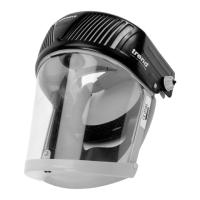
AIR/PRO - USA
-9-
Press the red on/off switch to operate the fan.
The red ball is raised to the top of the indicator
tube if the system is operating correctly.
If the red ball is raised to less than half the
height of the tube then either the battery charge
is low or the filters are blocked and need
replacing.
Low Battery Warning
If an audible regular intemittent tone sounds,
recharge or replace the battery pack.
To check the airflow turn the AIR/PRO upside
down and locate the airflow indicator on the four
slots at the front of the AIR/PRO.
Visual Inspection
Q Check the face seal material for damage.
Q Check the face seal attachment to the
AIR/PRO chassis and visor.
Q Check the visor seal for damage.
Replace any damaged parts including
scratched or damaged visors.
Functional Test
The purpose of this test is to ensure that the
airflow through the AIR/PRO is in excess of
the minimum design value of 5.6 cubic feet per
minute.
Proceed as follows:
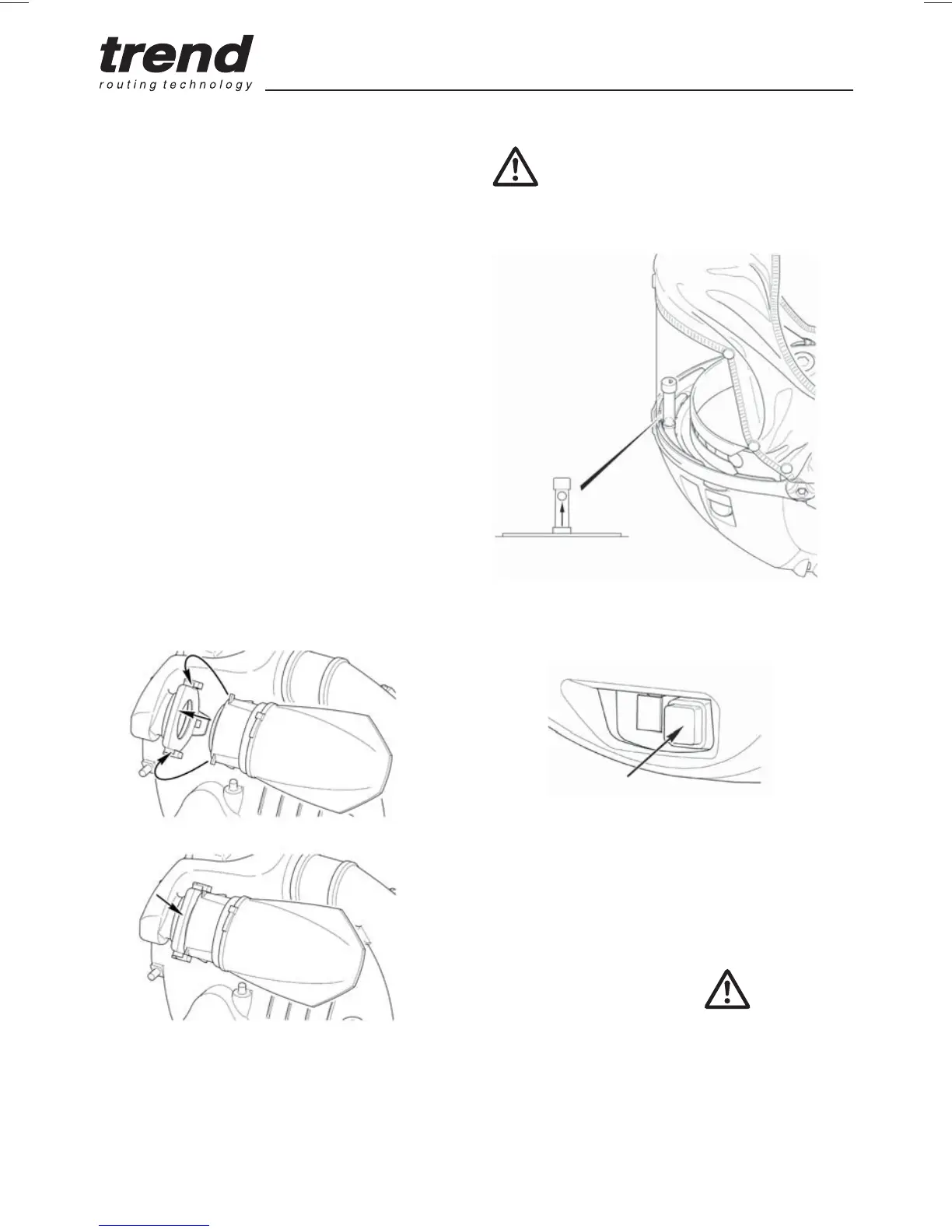
Ensure that the air filters have been installed
correctly as shown.
To fit air flter
Q Hold the neck of the fitted air filter and
push firmly toward sealing face to release
from securing tabs and lift filter upwards to
remove. Discard appropriately.
Q Locate new air filter against sealing face.
Push firmly toward sealing face and
downwards. Filter will click in securing tabs.
Q Repeat for other filter.
Q Refit cover.
Hold plastic neck of air filter to fit and
remove. Do not pull on filter.


 To Next Page