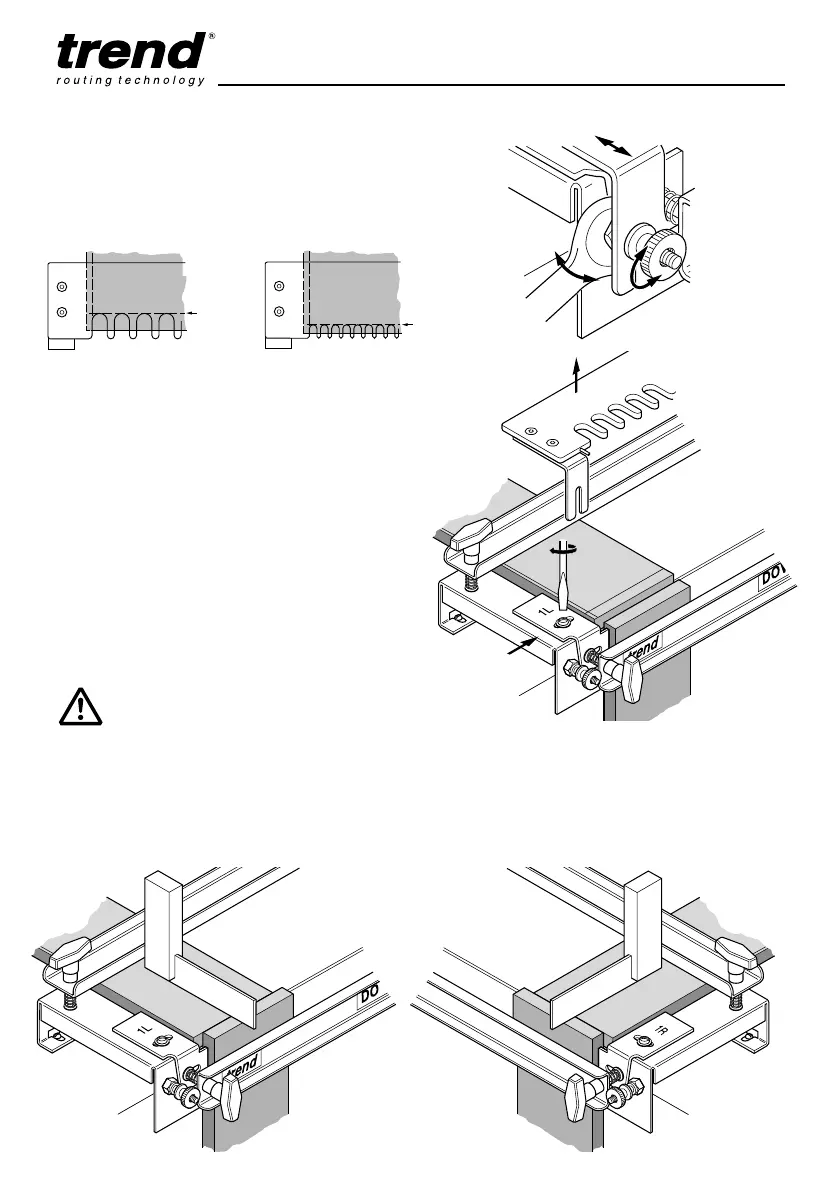
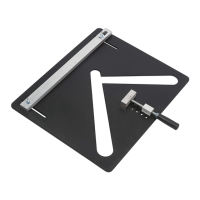
■ Slacken the brass thumb screw (1). Using the
spanner supplied (2), adjust the position of
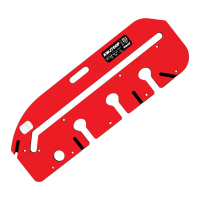
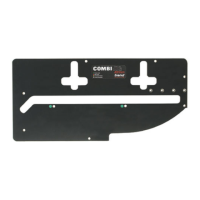
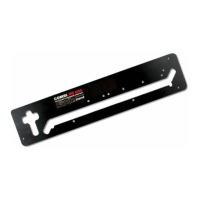
the lock-nuts until the back of the template
slots align with the Template Setting Line (3).
■ Remove the template (1). Slide the edge
guide up to the edge of the setting block (2).
After ensuring it is square, tighten the edge
guide securely (3).
Repeat the setting procedure for the right-
hand edge guide.
■ Remove the setting up block and the scrap
timber and keep it safe. The jig is now ready
to use.
■ For each joint, clamp the two pieces of timber
under the clamps making sure both are flush
with each other and touching the edge guide.
Place even numbers against the left-hand
edge guide and the odd numbers against the
right-hand edge guide.
IMPORTANT!
Only clamp and rout one set at one time
to ensure maximum clamping action of
the clamp bars.
Tighten up top and side clamps evenly
and tighten the template securely.
DO NOT OVERTIGHTEN.


 To Next Page