IQView8 Touch Screen Display Data Sheet TA201232 Issue 2, 10-Jul-2012 5
Data Sheet IQView8
Alarm Handling (continued)
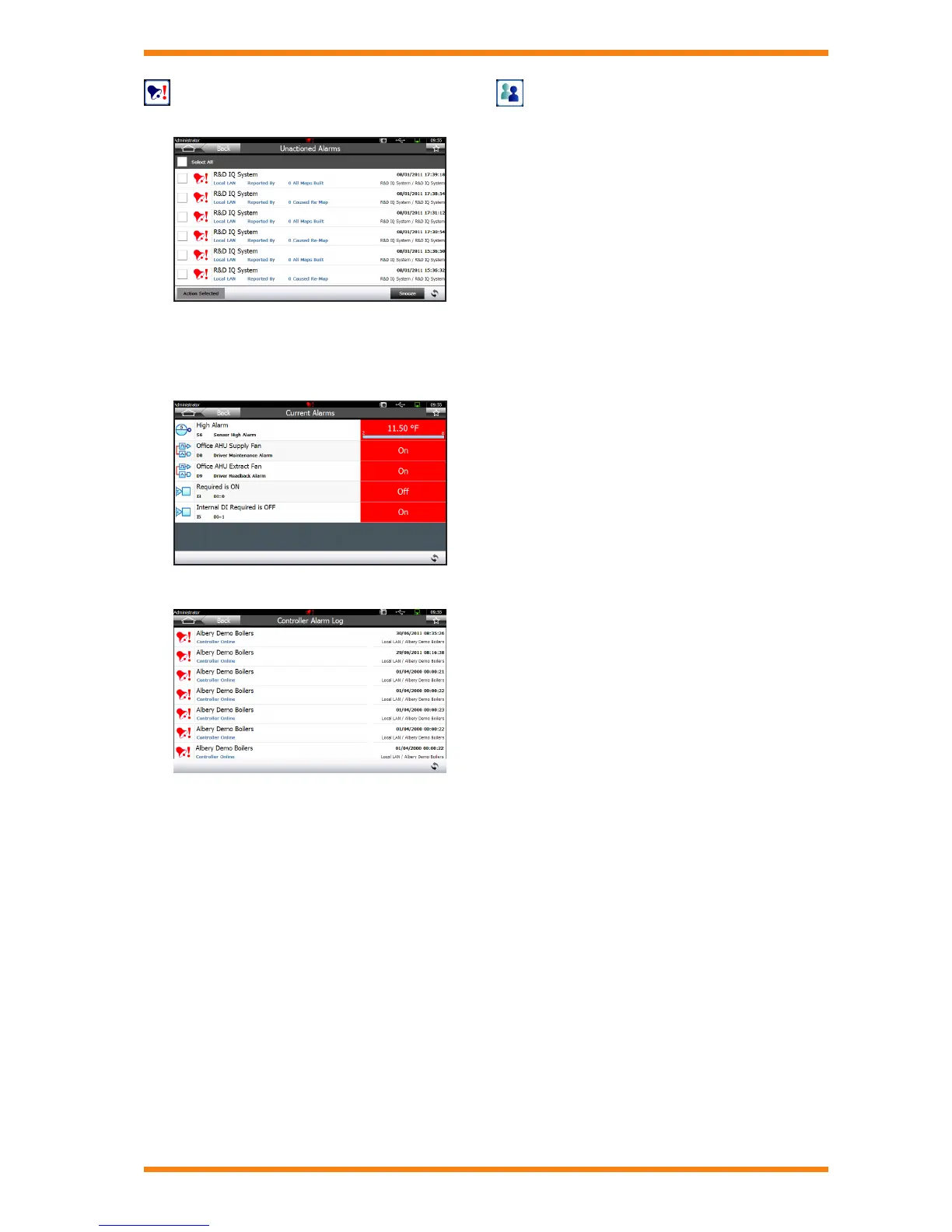
Unactioned Alarms Screen
Alarm Browsing
Alarm browsing enables the user to view the current alarms, or
the alarm log in a controller on the network.
Controller Current Alarms Screen
Controller Alarm Log Screen
Security
IQView8 can be operated with or without security.
When operating without security it is not necessary to provide a
username and password in order to access the unit. Anyone will
have full access to all of IQView8’s features.
When security is enabled it is necessary to log in using a user
name and password, and the features available to the user are
determined by the user’s access rights. There are two users set
up by default, the Administrator and Guest.
Each user has a user name, password, level of authority
(PIN level), language, and access rights. The access rights
determine which of the IQView8’s features they have access to.
The IQView8’s user security prevents unauthorised access to
IQView8’s features. Changes made to module parameters in
IQ controllers may also be protected by the controller’s own
security.
Backup and Restore
All or part of IQView8’s conguration can be saved to a USB
memory stick. The USB memory stick may be removed and
stored in a safe location as a back up, or reused to congure
another IQView8.
Software Upgrade
The software can be upgraded using a USB memory tick and
the unit’s upgrade feature.



 To Next Page