English
2
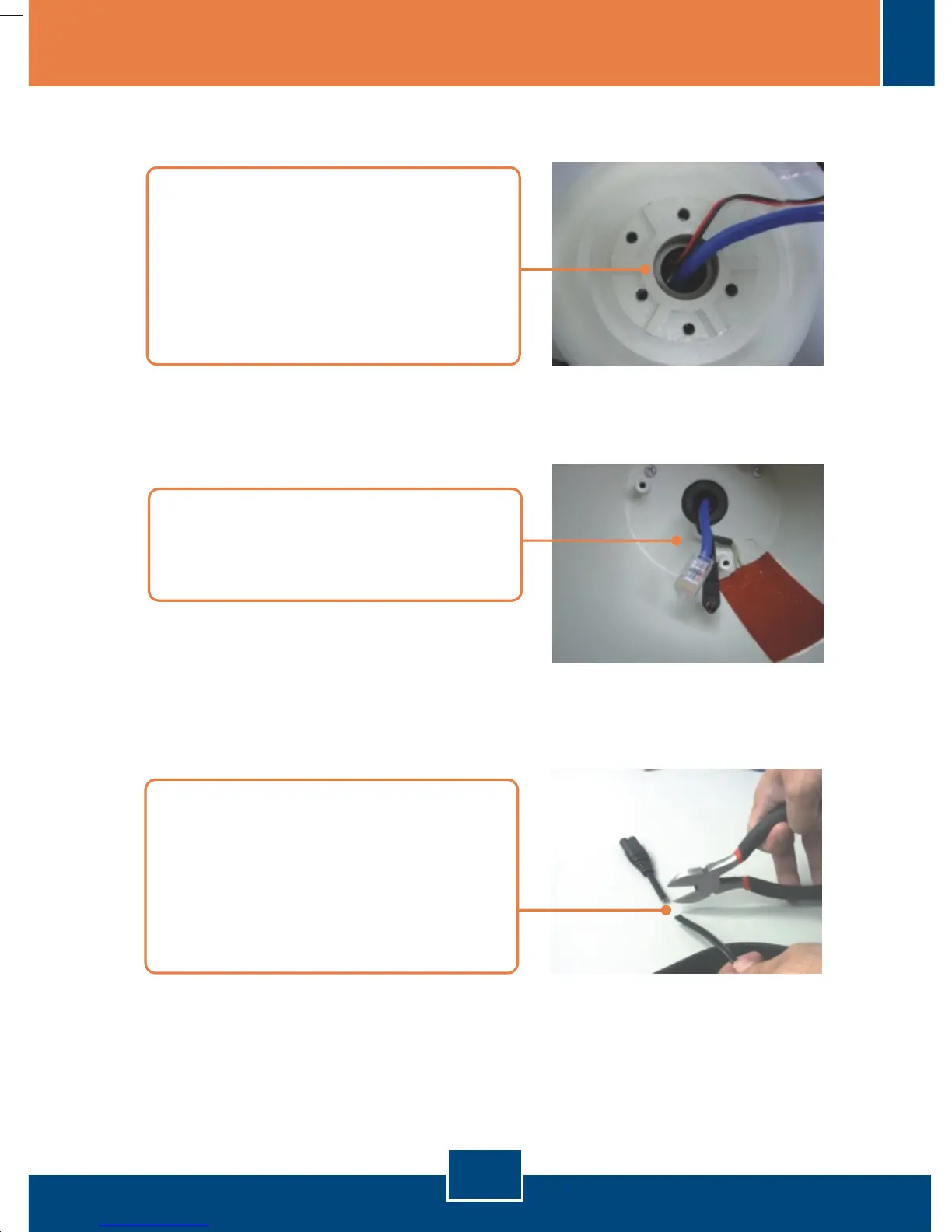
5. After inserting the appropriate
cables, extend each cable to 6
inches for camera installation.
4. Run each cable through the
opening located at the top of the
EL-HS800. DO NOT run all cables
through the opening
simultaneously. Serious blockage
can occur.
6. Caution: Before cutting any power
cord, make sure that the power
cord is NOT PLUGGED into an
electrical source. Now take a
power cord with a two-prong plug
and cut the wire.








 To Next Page