38
Field Description
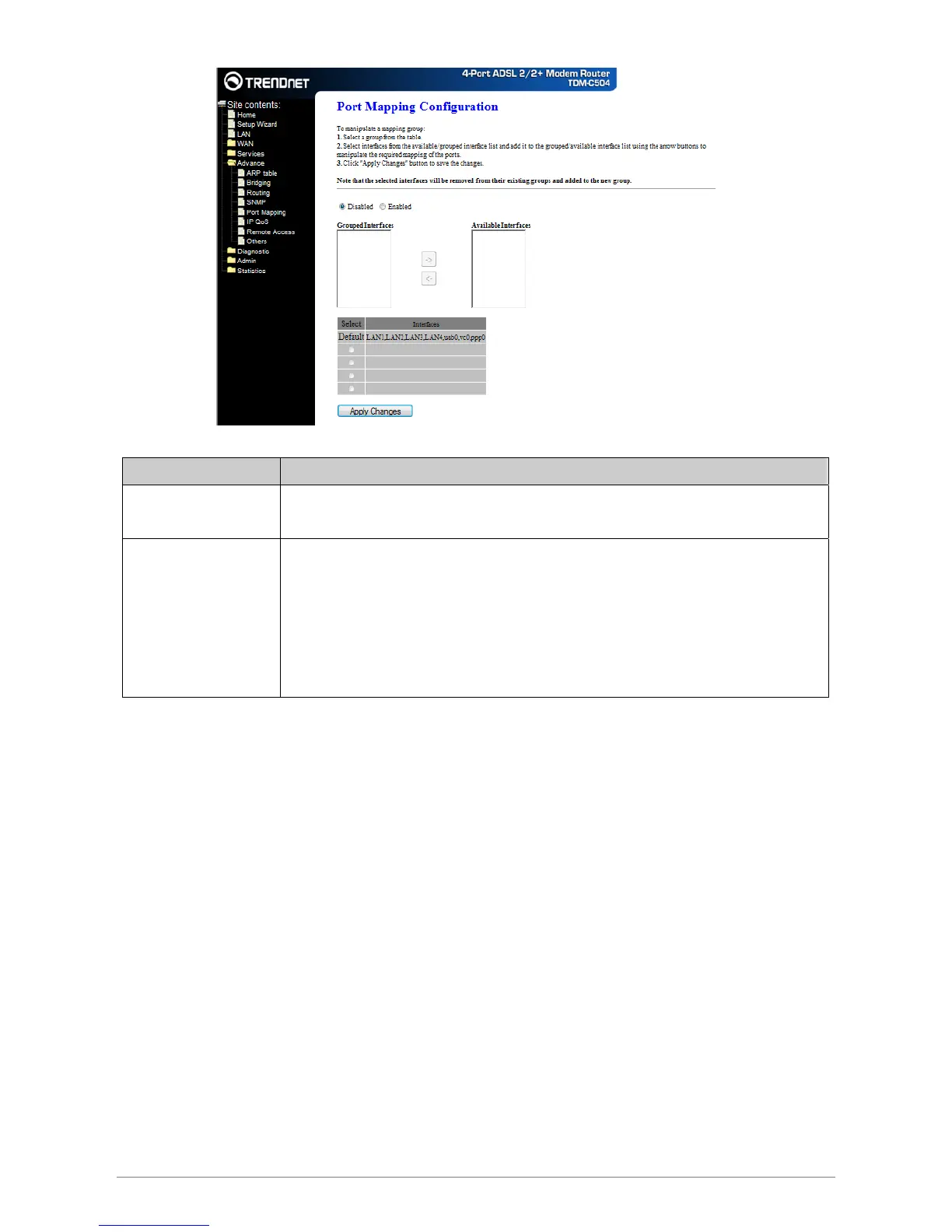
Enabled/Disabled Radio buttons to enable/disable the interface group feature. If disabled, all interfaces
belong to the default group.
“Interface groups To manipulate a mapping group:
1. Select a group from the table.
2. Select interfaces from the available/grouped interface list and add it
to the grouped/available interface list using the arrow buttons to
manipulate the required mapping of the ports.
3. Click “Apply Changes” button to save the changes.
Apply Changes
Save configuration to system. New configuration will take effect after saving into flash memory and rebooting
the system. See section “Admin” for details.














 To Next Page