56
UPnP Setting on Windows XP (Optional)
Adding UPnP:
If you are running Microsoft Windows XP, it is recommended to add the UPnP component to your
system.
Proceed as follows:
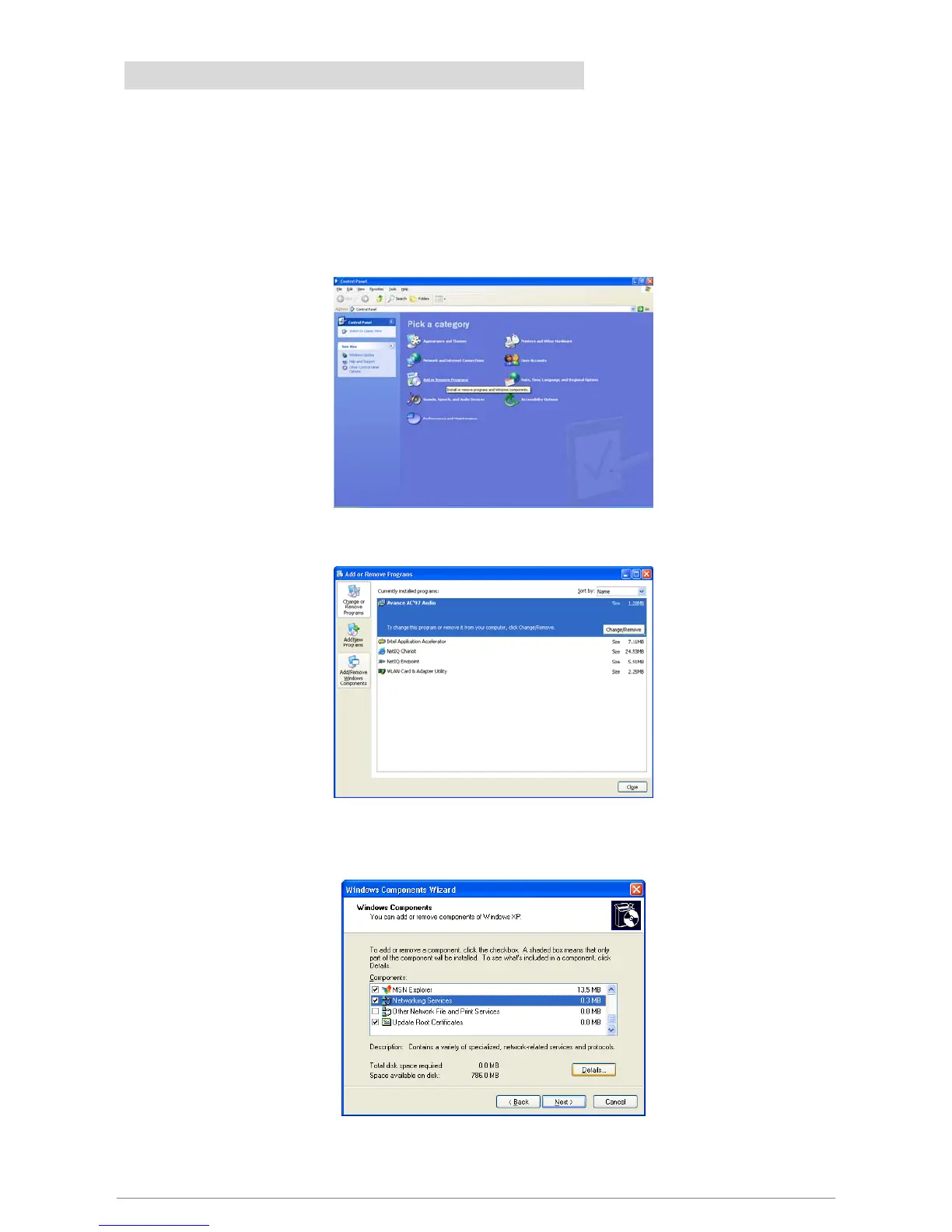
1. Click “Start” Æ “Settings” then “Control Panel”. The “Control Panel” window appears. Click “Add
or Remove Programs”.
2. The “Add or Remove Programs” window appears. Click “Add/Remove Windows Components”.
3. The “Windows Components Wizard” appears. Select “Networking Services” in the Components list
and click “Details”.
4. The “Networking Services” window appears. Select “Universal Plug and Play” and click “OK”.














 To Next Page