57
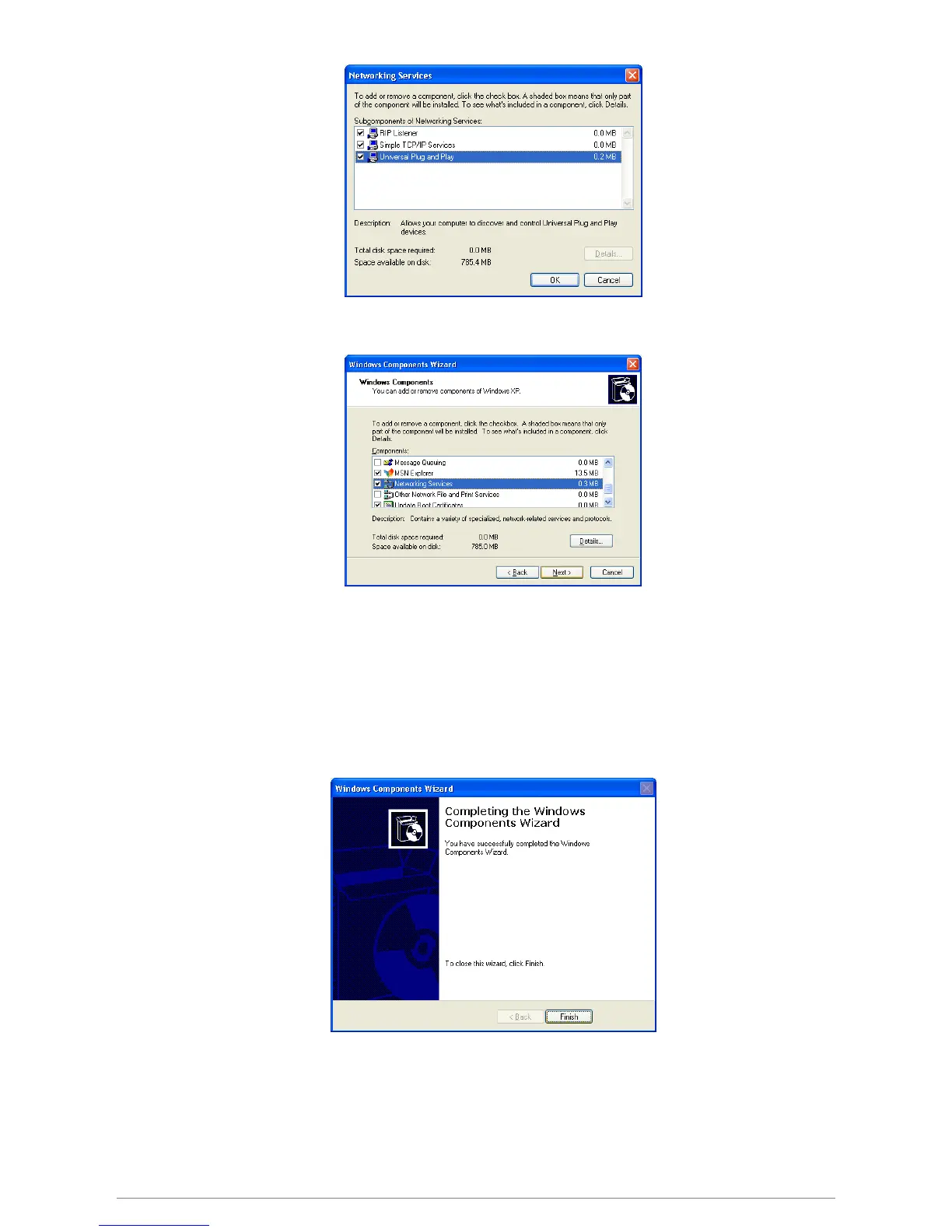
5. Click “Next” to start the installation and follow the instructions in the Windows Components Wizard.
Note :System may ask for original Windows XP CD-ROM. Insert the CD-ROM and direct Windows to the
proper location of the CD-ROM.
Restart your Windows system to activate your setting might be necessary. Click “OK” to restart your
Windows system.
6. A “Completing the Windows Components Wizard” will appears indicating the installation was
successful. Click “Finish” to quit.














 To Next Page