47
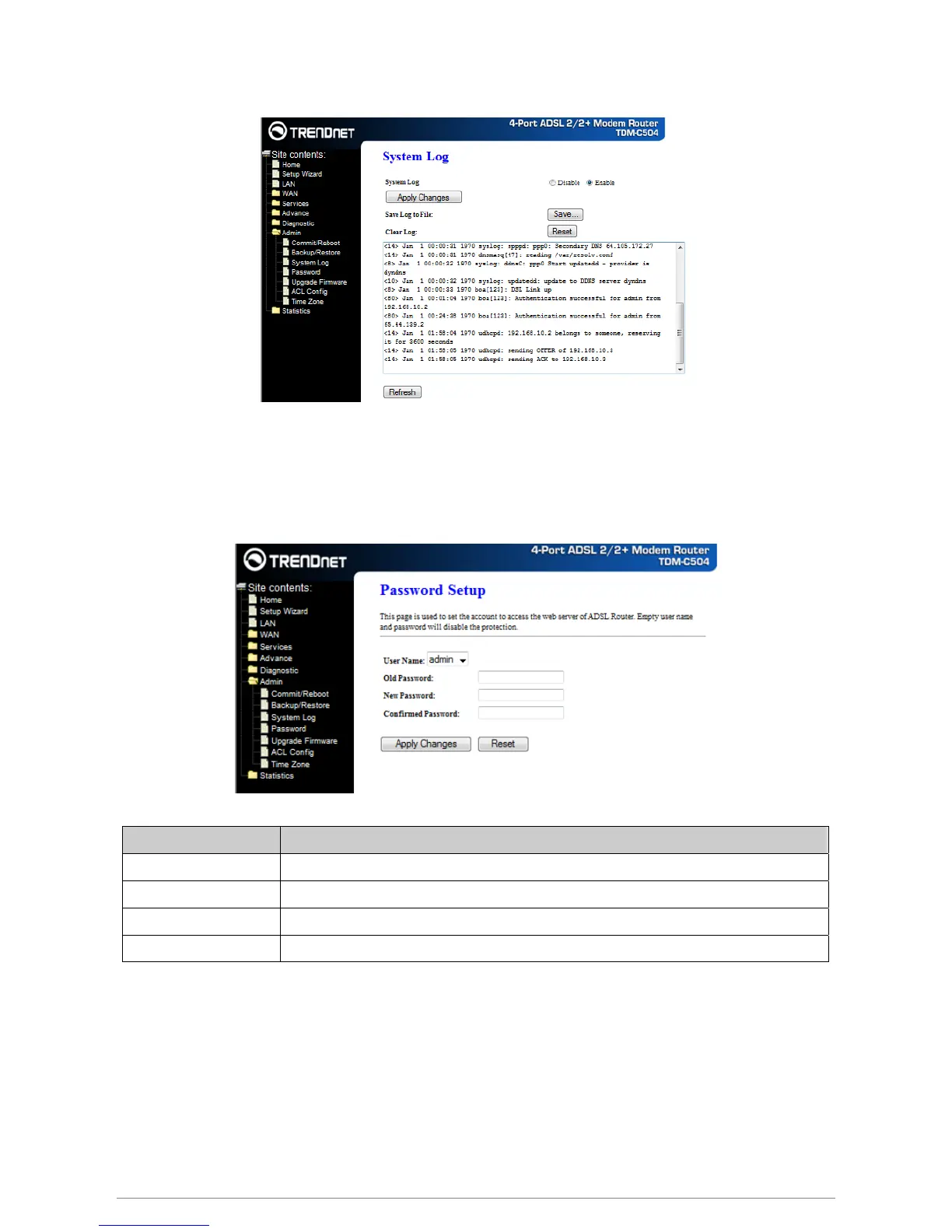
This page shows the system log.
The first time you log into the system, you use the default password. There are two-level logins: admin
and user. The admin and user password configuration allows you to change the password for administrator
and user.
Fields in this page:
Field Description
User Name Selection of user levels are: admin and user.
Old Password Enter the old password for this selected login.
New Password Enter the new password here.
Confirmed Password Enter the new password here again to confirm.
Function buttons in this page:
Apply Changes
Save configuration to system
To upgrade the firmware for the DSL device:
− Click the Browse button to select the firmware file.
− Confirm your selection.
System log
Password
Upgrade Firmware














 To Next Page