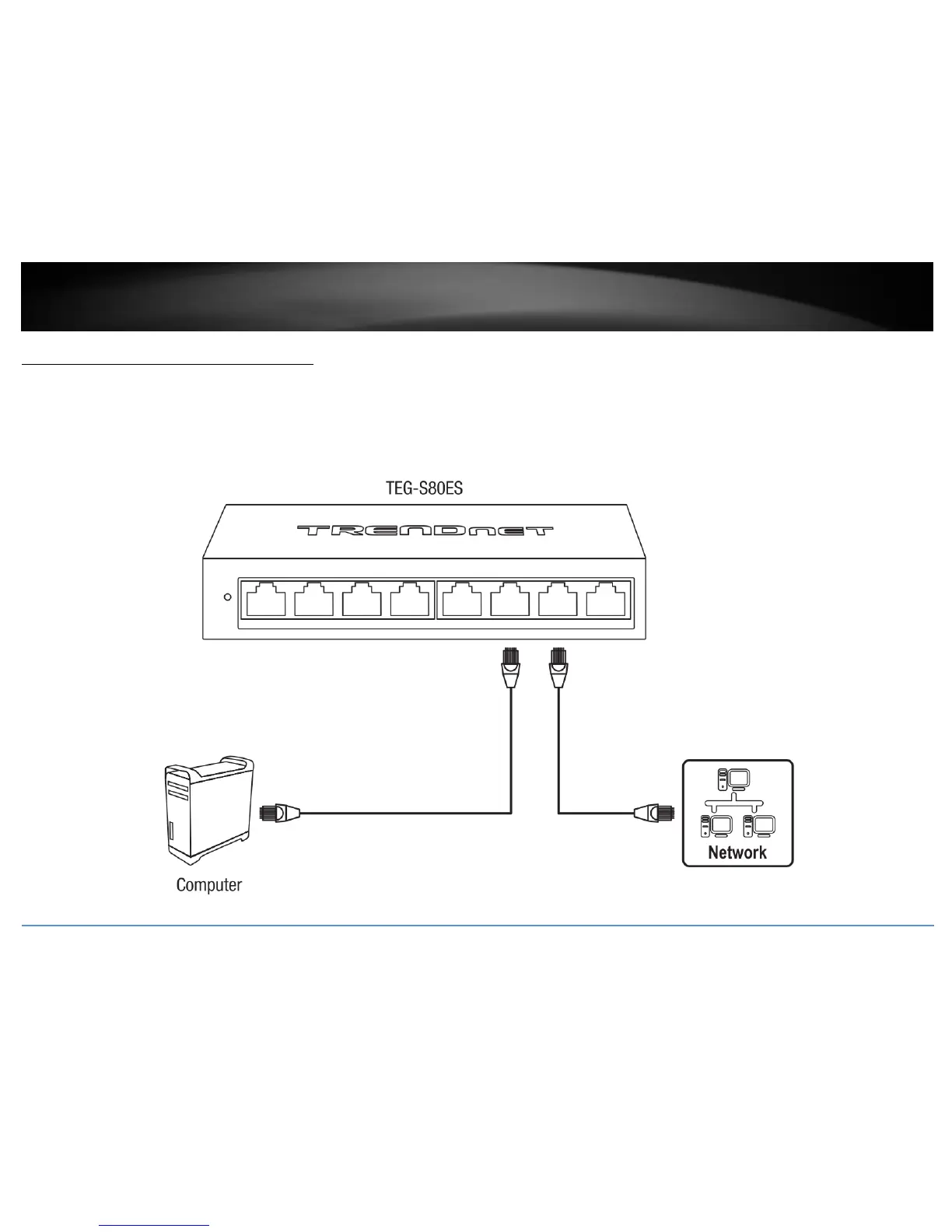
Connect additional devices to your switch
You can connect additional computers or other network devices to your switch using Ethernet cables to connect them to one of the available Gigabit Ports (1-8). Check the status of the
LED indicators on the front panel of your switch to ensure the physical cable connection from your computer or device.
Note: If you encounter issues connecting to your network, there may be a problem with your computer or device network settings. Please ensure that your computer or device network
settings (also called TCP/IP settings) are configured properly within the network subnet your switch is connected.



 To Next Page