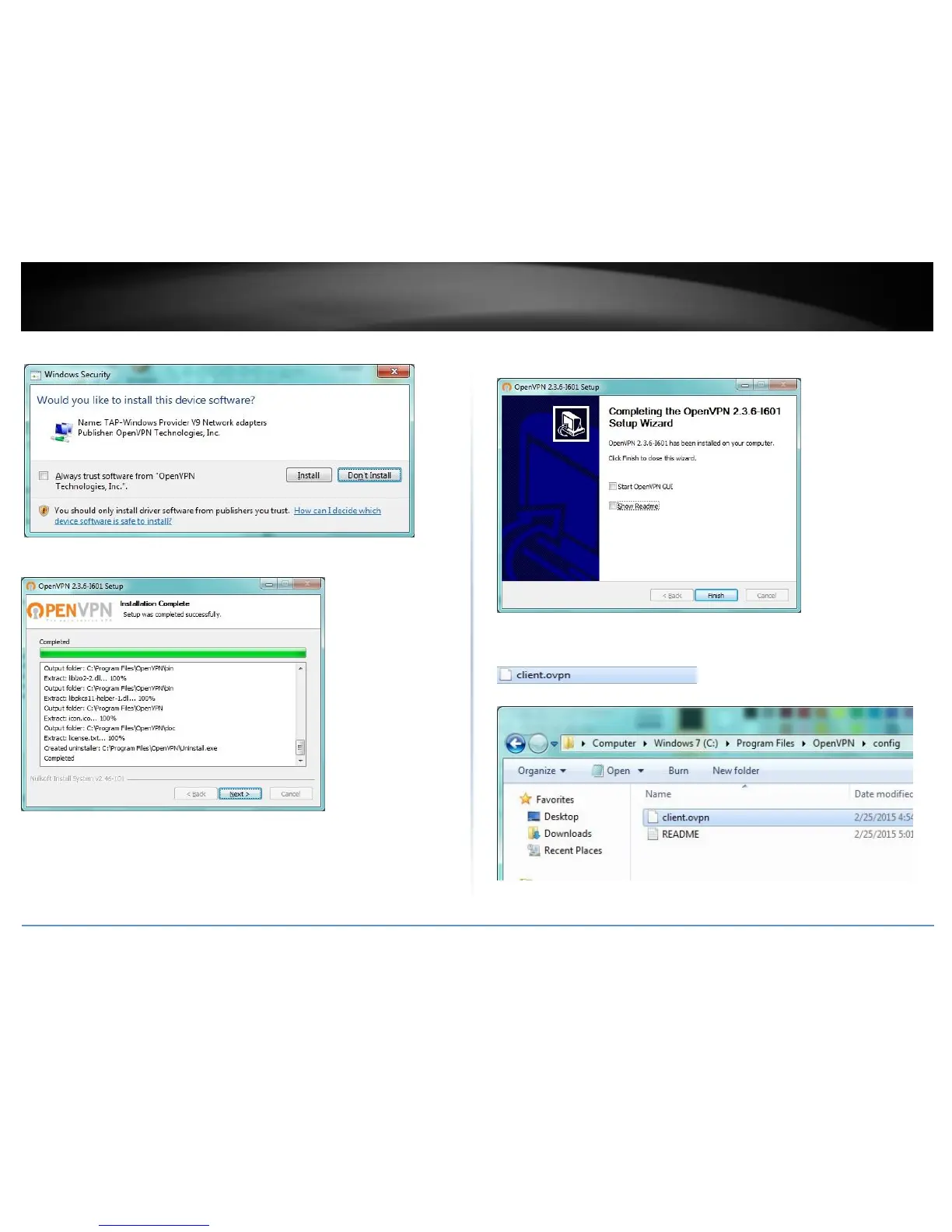
9. At the prompt to install the TAP-Windows adapter, click Install.
10. At the installation completion window, click Next.
11. Make sure to uncheck the “Show Readme” and “Start OpenVPN GUI” options and
click Finish.
12. Copy the client configuration file(s) (client.ovpn) downloaded from the router to the
following path without any sub-folders.
C:\Program Files\OpenVPN\config















 To Next Page