TK-802R_TK-1602R Rack Mount KVM Switch User’s Guide July,2004
Page 21
Chapter 3 Operation
3.2. Operate the Switch
The following will describe each command operation of the KVM Switch and
available ways to execute the commands, either by a front-panel button, a keyboard
hotkey sequence or an OSD Menu option.
<Select PC>
Front-Panel Button
Press the corresponding button on the specific switch, to which the channel you
want to select is connected.
Hotkey
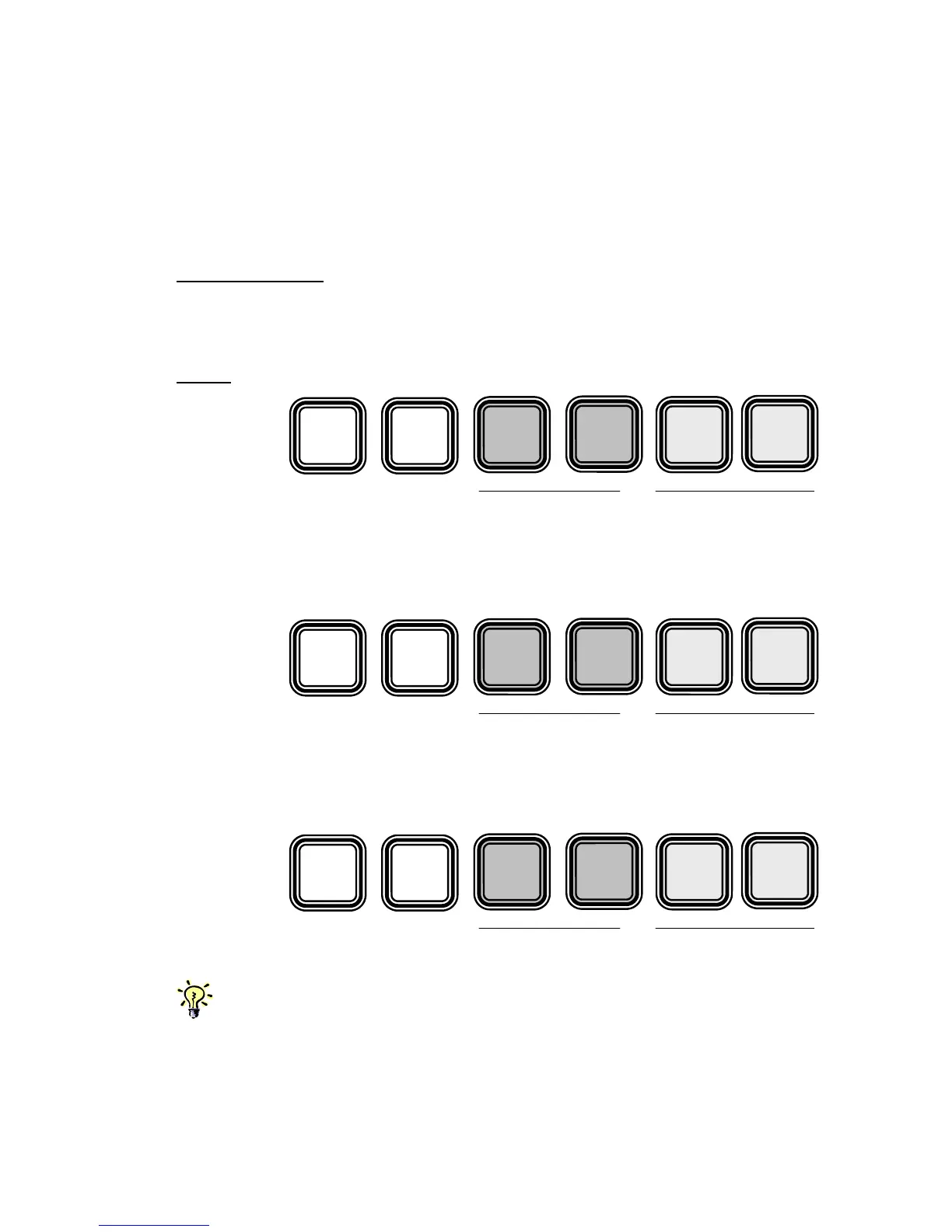
Select PC =
For example, when with multiple daisy-chained KVM Switches configuration, if
you want to select bank 3 port 7, you should press the following keystrokes:
Select PC =
However, when using single KVM Switch configuration, if you want to select port 7,
you should first press its default bank number 01 and then the port number 07:
Select PC =
Since the single KVM Switch bank number is default to 01 (i.e. itself a master KVM Switch on
its own), therefore you should always specified its bank number by “01”.
Scr
L



 To Next Page