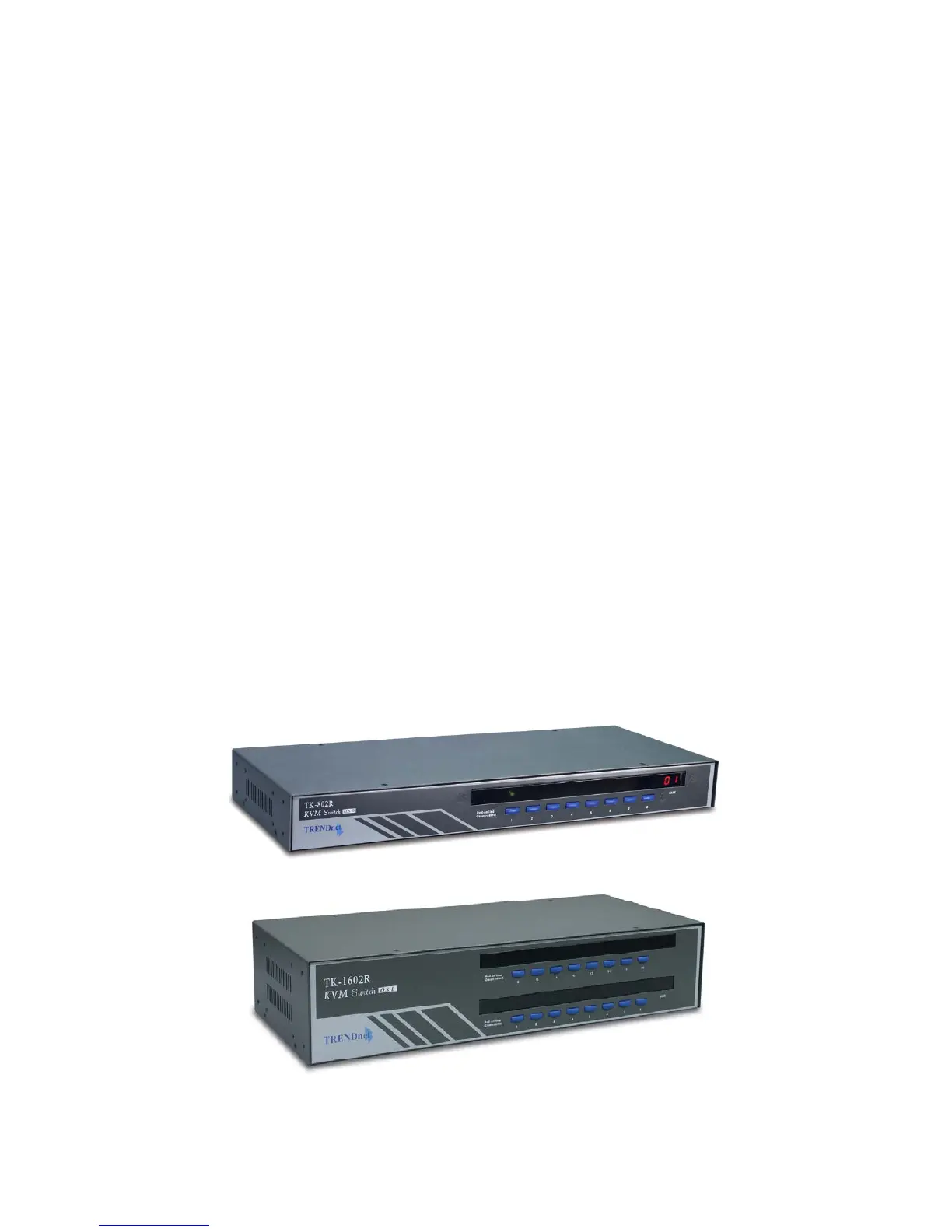
TK-802R_TK-1602R Rack Mount KVM Switch User’s Guide July,2004
Page 8
Chapter 1 Features and Functions
Hardware/Software Support
▪ Support a wide range of hardware in addition to the standard keyboard, video and mouse
▪ Support Microsoft IntelliMouse®, IntelliMouse Explorer®, Logitech NetMouse® and
other common wheel mouse
▪ Support a wide range of software platforms: DOS, Windows 3.x, Windows
95/98/SE/2000/ME/XP, Windows NT, Netware, OS2, Unix, Linux and BSD
▪ Hot-plugging of PCs for maintenance without powering down the KVM Switch or PC.
Power interface
▪ Powered by the external power adapter connected to the AC power outlet in addition to
the PS/2 keyboard/mouse interface power
Cabling requirements
▪ Compatible with standard individual keyboard, video, and mouse cable
▪ Highly recommended: the 3-in-1 combination KVM cable
1.2. Package Contents
The TK-802R/TK-1602R KVM Switch Package should contain the following items:
▪ The TK-802R/TK-1602R KVM Switch
▪ Daisy Chain Cable (3-in-1 KVM combo cable)
▪ Power adapter cord (AC to DC)
▪ Rack Mount Kit
▪ This User Guide
▪ A Quick Installation Guide / Quick Reference Sheet
Figure 1-1a TK-802R
Figure 1-1b TK-1602R



 To Next Page