TRENDnet User’s Guide TPL-4052E
© Copyright 2015 TRENDnet. All Rights Reserved. 18
Using the Utility
Before using the utility, please ensure the following:
1. Write down the Device Password (DPW) (16-digit characters A-
Z only) and MAC Address (12-digit characters a-f, A-F, 0-9) of
each Powerline Adapter as this will be required to change the
network name for multiple Powerline Adapters. See “Device Label”
on page 5.
2. Make sure the computer in which you are installing the utility is
connected to your network and your Powerline Adapters are also
connected to your network.
3. If you have changed your network name using the Sync button and
you are creating a customized network name, it is required to
reset all powerline devices to defaults using the physical Reset
button on your Powerline Adapter first before using the utility.
See “Product Outlook” on page 5.
4. Please ensure that your Powerline Adapters are already installed
and connected and the Ethernet port on each adapter is connected
to a device powered on.
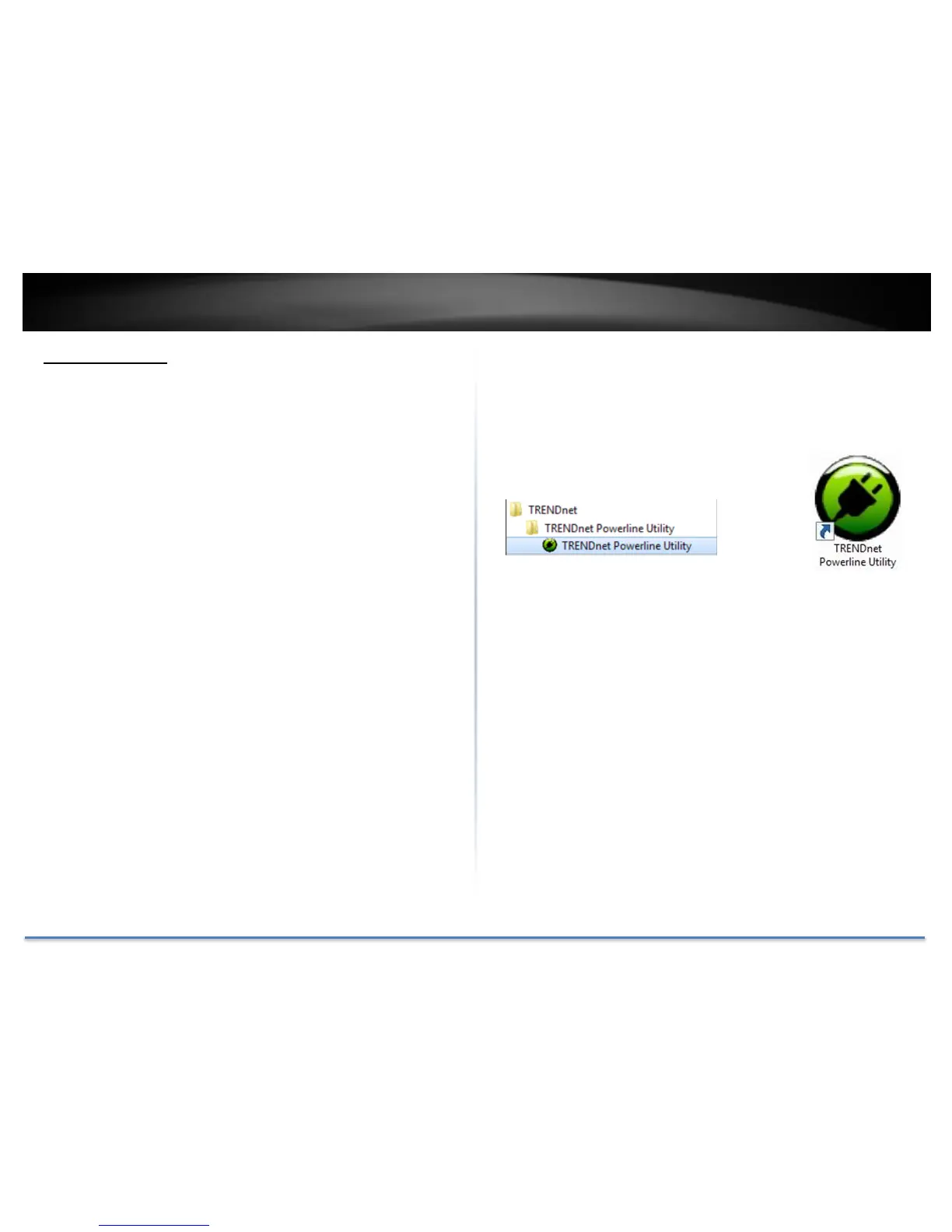
Upon completing the software installation, a desktop shortcut is
automatically created. Double-click the icon to start the utility or open the
utility if it is already running. Closing the utility will exit the application.
You can also launch the utility from Start Menu.
Start > Programs (or All Programs) >
TRENDnet > TRENDnet Powerline Utility.














 To Next Page