TRENDnet User’s Guide TPL-4052E
© Copyright 2015 TRENDnet. All Rights Reserved. 6
Push Buttons
Reset device settings to factory defaults
(All LEDs will turn off and turn back on).
It will reset to the factory default private
network name “HomePlug AV”.
Push for 15
seconds until all
LEDs goes off
Generate a new random network name
and encryption key (All LEDs will turn
off and turn back on).
Start a synchronization session. The
PWR LED will start blink for 2 minutes.
Start the synchronization session on
another power adapter within the time
to synchronize the network name and
exchange the encryption keys.
Power Save Mode: The Powerline adapter will automatically going into
standby mode to reduce power usage when there is no network traffic for
more than 10~20 minutes. All LEDs are going off.
It can be wake up automatically when the network traffic is coming again.
It takes a couple seconds to wake up and resume back to full speed of
service.
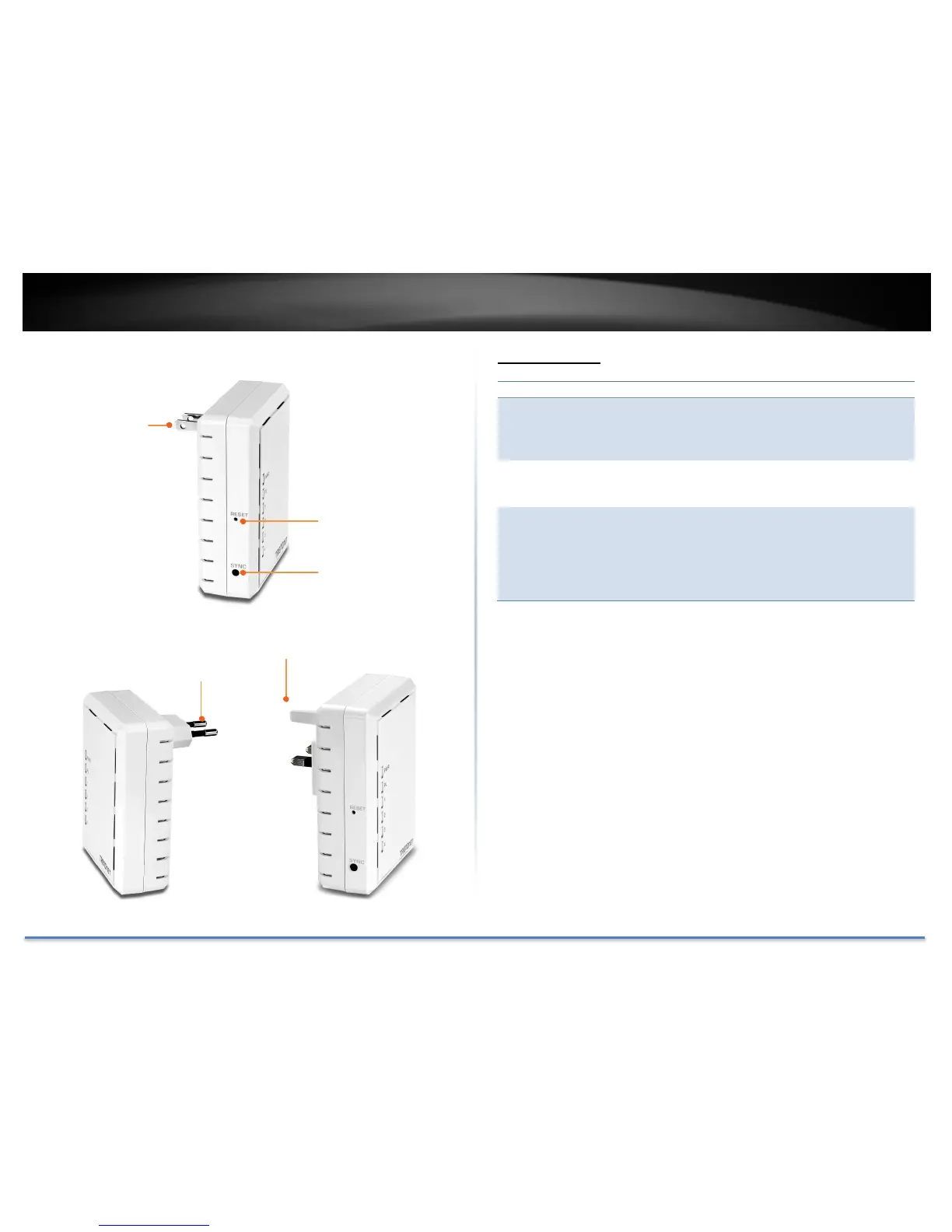
Power plug (US)
Plug directly into an
available power
outlet. Not on a
power strip.
Reset button
Reset the unit to
factory default settings.
Sync button
Synchronize with other
Powerline Adapters.














 To Next Page