TRENDnet User’s Guide TPL-4052E
© Copyright 2015 TRENDnet. All Rights Reserved. 20
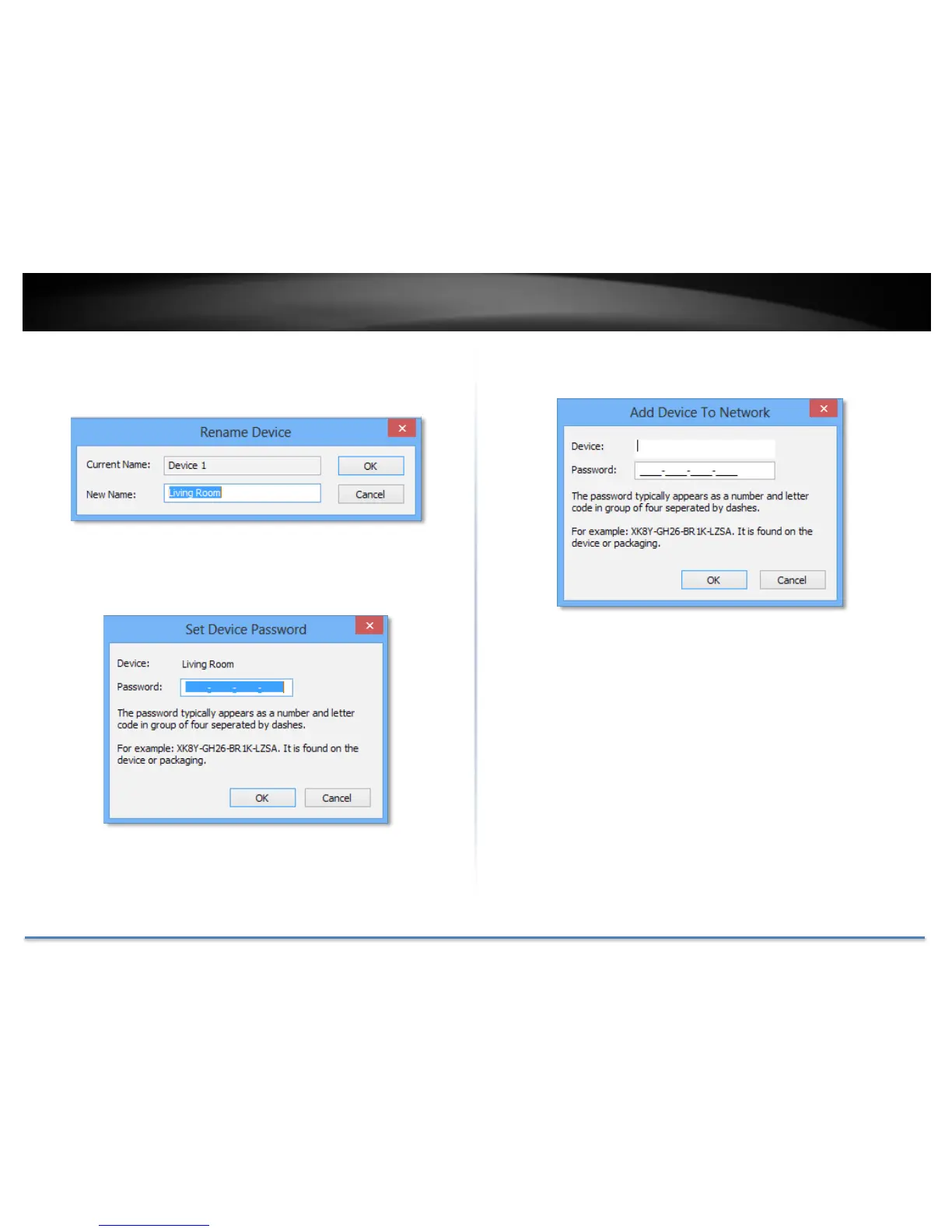
Rename remote device
(Click and select a remote device and then click Rename button in Map
View)
Enter Password
(Click and select a remote device and then click Enter Password button
in Map View)
The device password (DPW) can be found on device label. You have to
enter DPW in order to manage Powerline Adapter remotely.
Add Device
(Click Add Device button in Map View)
Enter device name and DPW to add an adapter manually
Scan
Click Scan button in Map View to scan other Powerline Adapters
manually.














 To Next Page