TRENDnet User’s Guide TPL-4052E
© Copyright 2015 TRENDnet. All Rights Reserved. 23
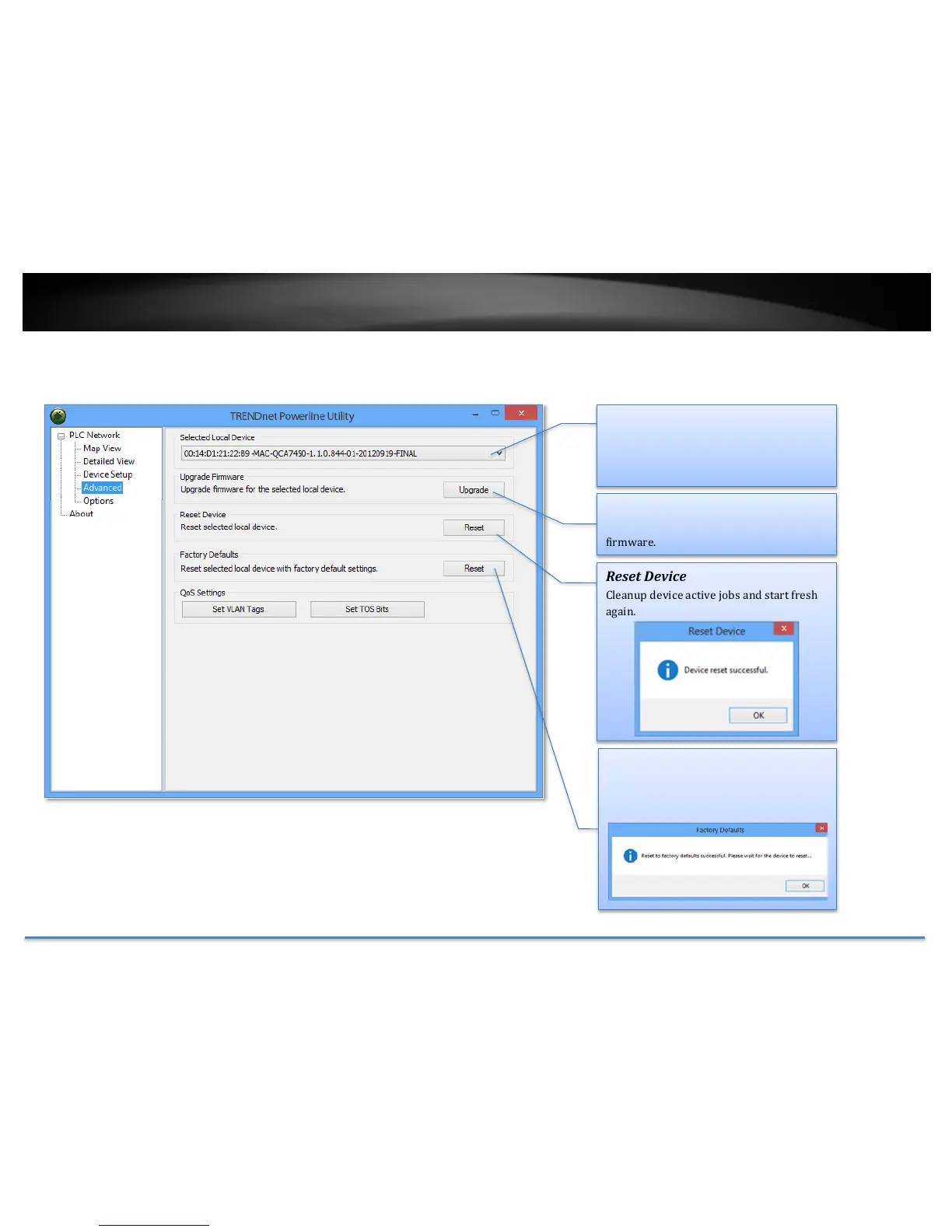
Powerline Utility – Advanced
Select Local Device
This advanced feature supports local
devices only. Choose one of your local
device and proceed the advance setting.
Upgrade Firmware
Click this button to upgrade device
firmware.
Reset Device
Cleanup device active jobs and start fresh
again.
Factory Defaults
Clean up all your settings on adapter.
Always click this button after
you upgrade firmware.
Reset Device
Cleanup device active jobs and start fresh
again.
Factory Defaults
Clean up all your settings on adapter.
Always click this button after you upgrade
firmware.














 To Next Page