-21-
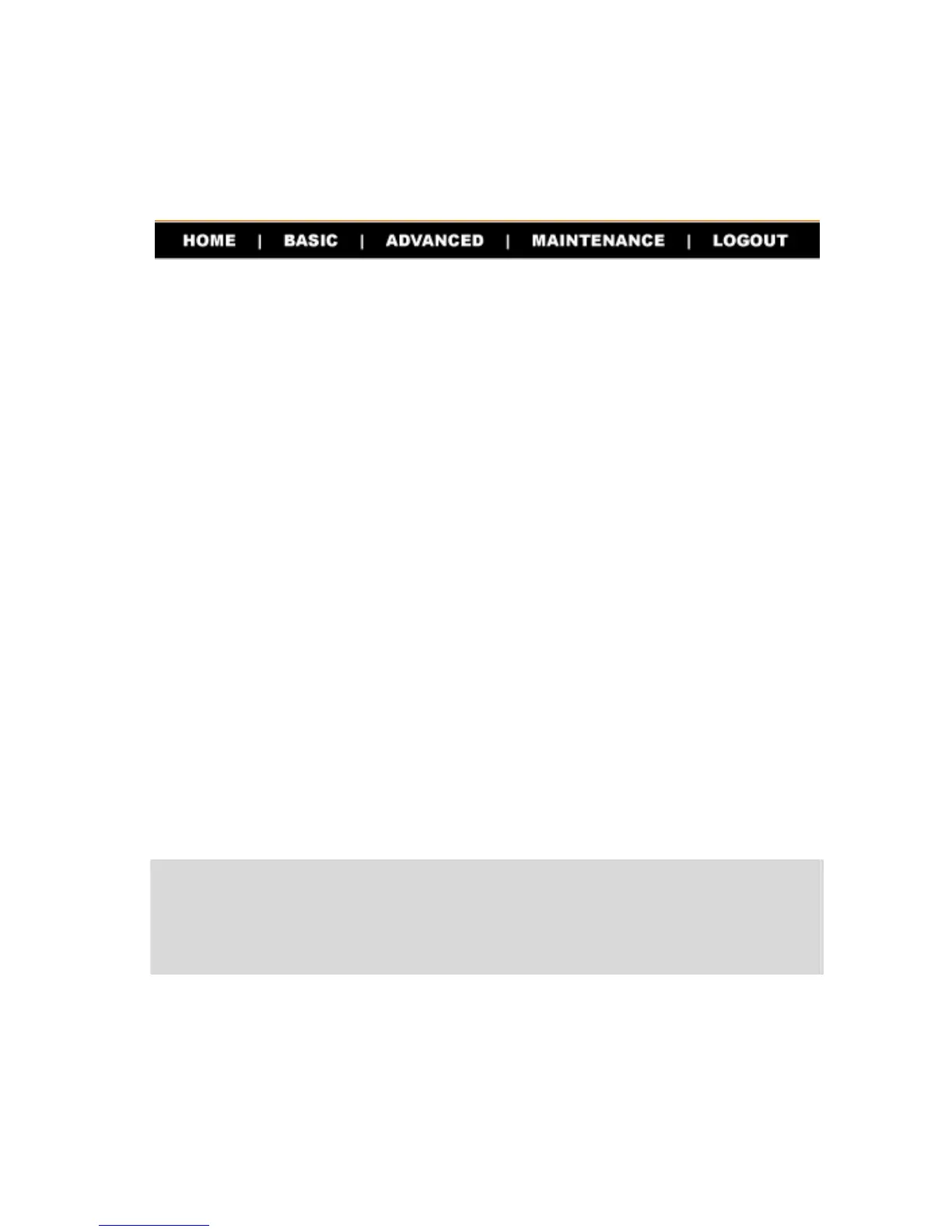
There is a menu bar in the top of the configuration page, containing
five items that allow you to set up your storage server.
The Menu Bar
z Home – main screen of the utility, providing the brief
instructions of the buttons on menu bar.
z Basic – allows you to configure your storage server for
Internet access through a step-by-step procedure.
z Advanced – contains more submenus that allow you to set
up advanced configuration.
z Maintenance – provides maintenance tasks for the storage
server, such as upgrading firmware and reloading factory
defaults.
z Logout – clicks to exit web configuration utility.
TIP: The computer’s IP address must correspond with the file
server’s IP address in the same segment for the two devices to
communicate. Extensive knowledge of LAN will be helpful in
configuring the file server.



 To Next Page