-22-
Configuration - Basic
The Basic menu contains three steps that will guide you through the
basic configuration for the storage server. Click Basic in the top
menu bar to start the step-by-step configuration.
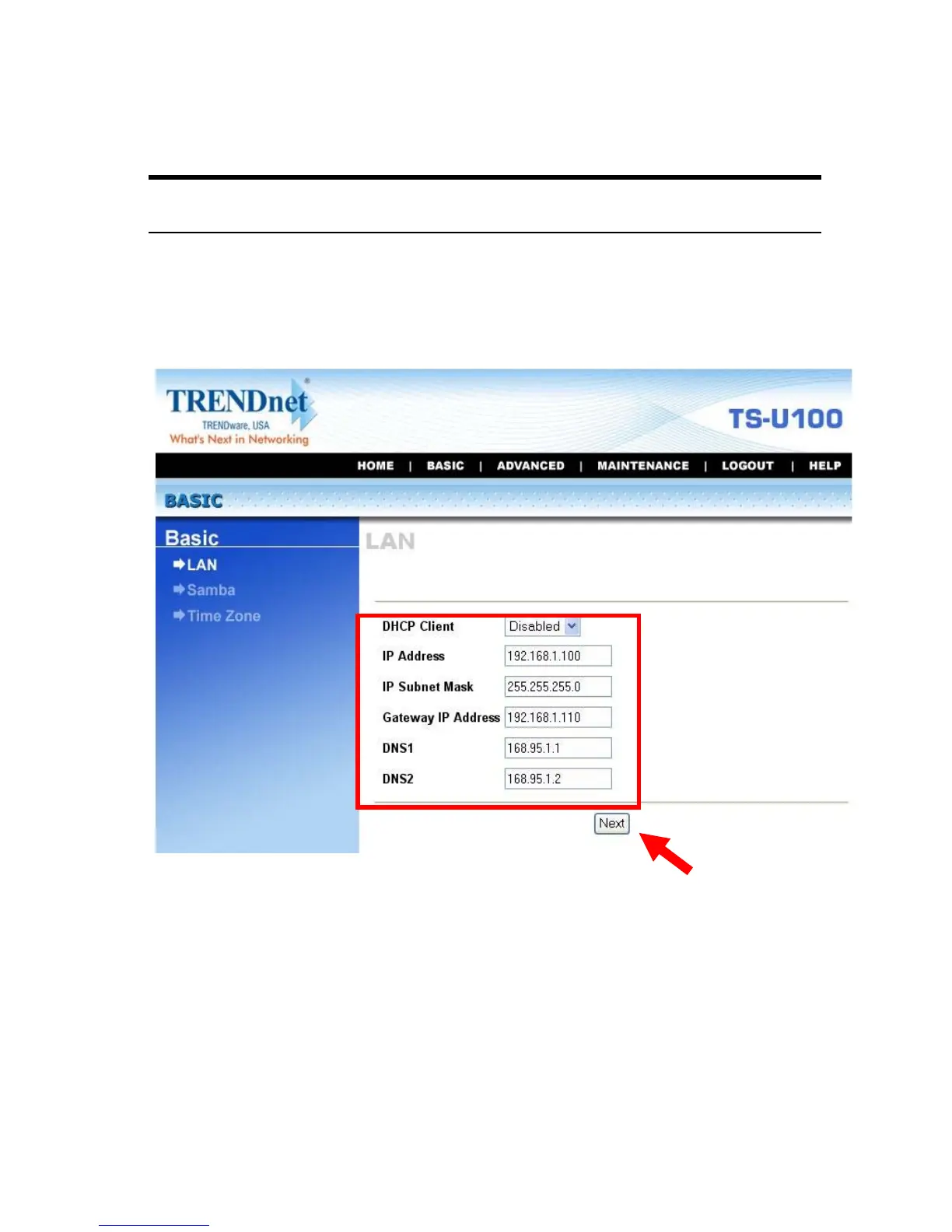
Basic Menu – LAN
Basic
J
LAN
The first step is to configure the LAN settings. These options in this
step display the current IP address and DHCP service of the file
server, and can be modified manually. When complete, click Next.



 To Next Page