-36-
4
DOWNLOAD FILES THROUGH
STORAGE SERVER
Entering Download Page
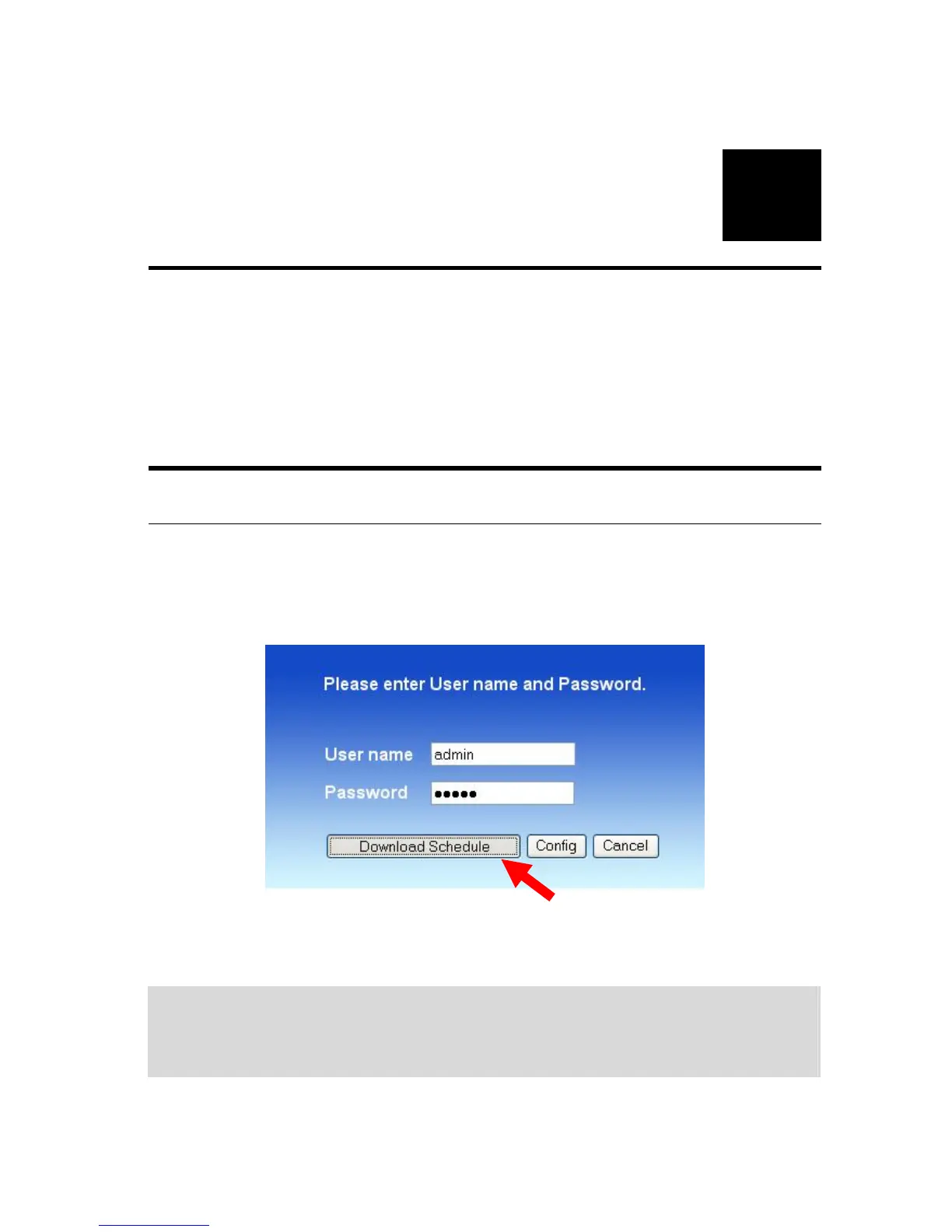
1. If you are in the configuration mode, click Logout to exit the web
configuration utility, and re-login the utility’s download page by
selecting the Download schedule item on the login dialog box.
TIP: If the administrator has added users of the storage server, the
users can login the Download page with their user name and
password.
2. The Main menu of Download page will display as below.



 To Next Page