-30-
Advanced
J
FTP Server
The FTP server submenu contains the options that allow you to
enable/disable the FTP service of the storage server, as well as the
relative FTP settings.
Advanced Menu – FTP Server
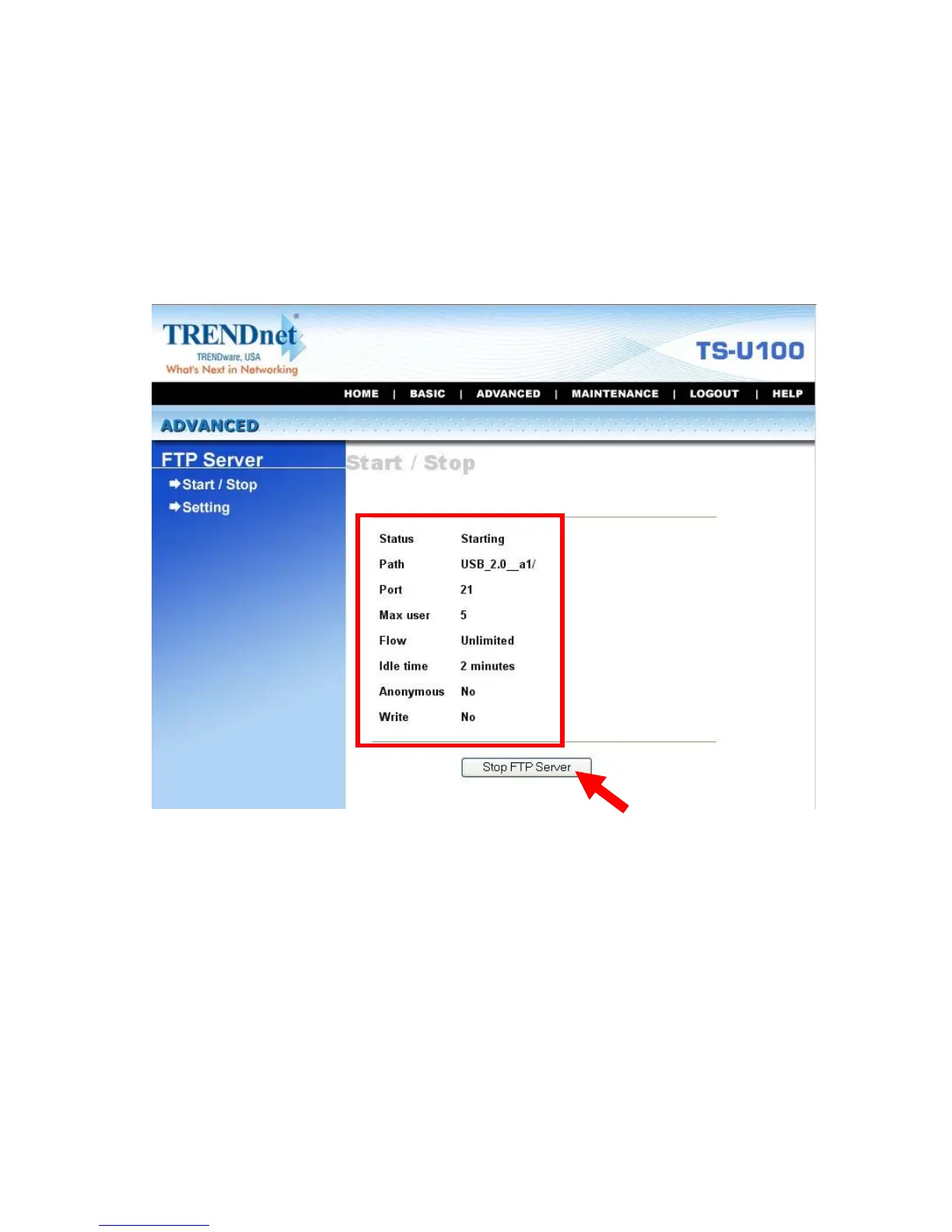
z Start/Stop: Click Start FTP Server to enable the FTP server of
the storage server. The status field displays the information of
your FTP server settings. Once you enabled the FTP server,
click Stop FTP Server to disable the service.



 To Next Page